Clients don't want to email you for updates. They want to log in, see where things stand, and move on with their day. That's the whole point of client portal software with CRM, and most tools now build one in.
The problem is picking the right one. Some hide the portal behind a paywall or limit what clients can actually see. Others make it feel like an afterthought bolted onto an internal dashboard.
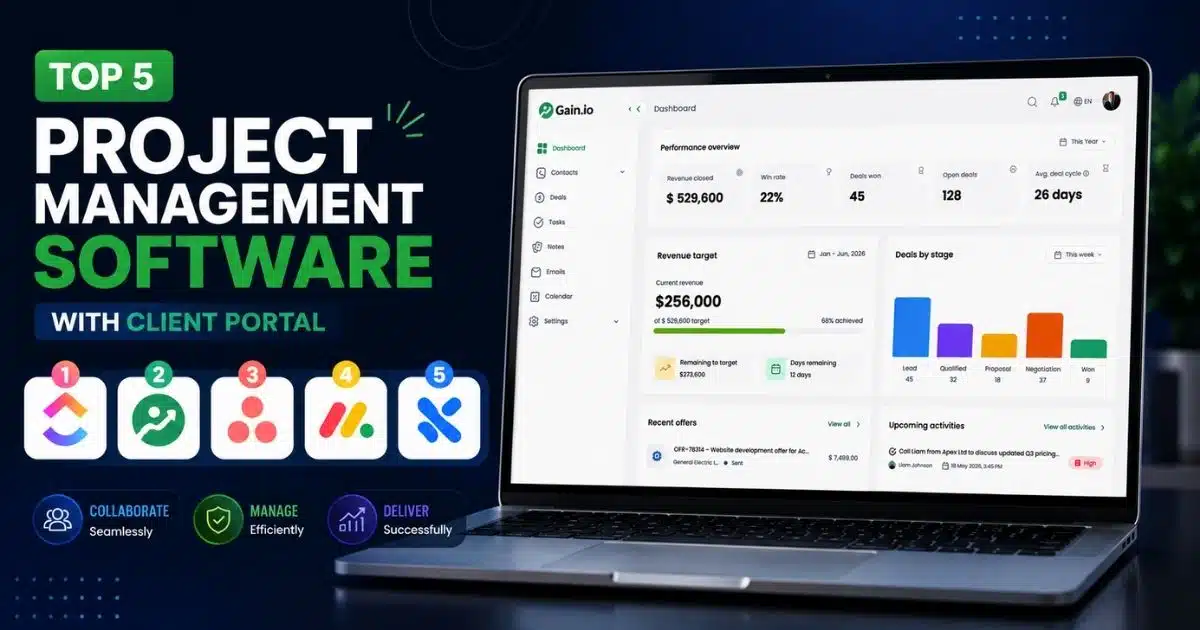
We looked at the top client portal software with CRM options on the market, and picked the 5 worth your time in 2026.
What Is Client Portal Software With CRM?
Client portal software with CRM is a tool that lets your team manage tasks internally while giving clients a separate, secure view of their project. Most project management tools now build this in, so you don't need separate client portal software just to keep clients updated.
This setup shapes the client experience directly. Clients see real progress without chasing your team for updates. Some vendors call this a customer portal, though that term usually fits product support more than active project work. Client portal software cost varies by tool, usually based on team size, seats, or how much branding and access control you need.
Benefits Of Using Client Portal Software With CRM
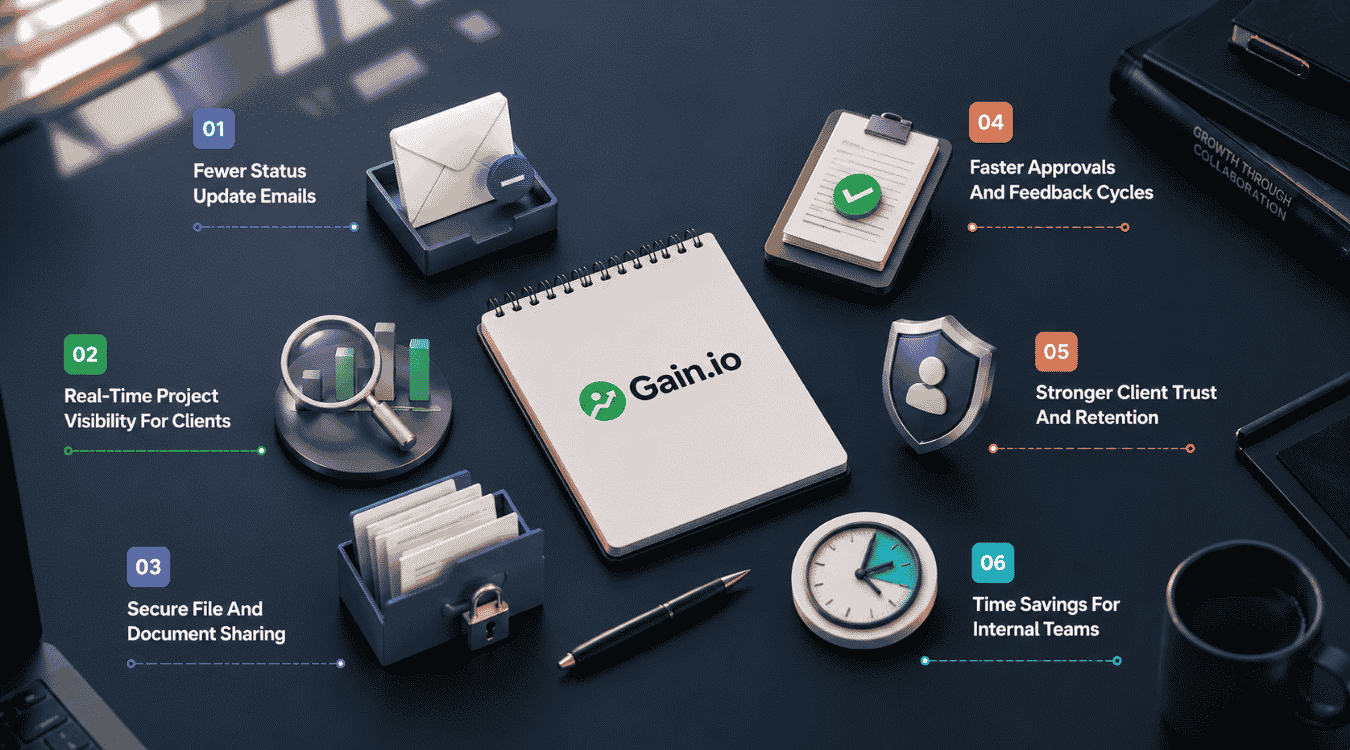
A client portal changes how teams and clients work together day to day. Instead of scattered updates and guesswork, both sides get a shared, structured view of the work. Here's what that actually improves.
Fewer Status Update Emails
Client communications eat up more time than most teams realize. Every "just checking in" message pulls someone away from actual work to write a reply that says the same thing as last week.
A client portal removes that back and forth. Clients check project status on their own schedule, so your team spends less time repeating updates and more time finishing the work those updates are about.
Real-Time Project Visibility For Clients
When external clients don't have a clear view of a project, they fill the gap with guesses, usually the wrong ones. That leads to anxious check-ins and awkward conversations about why something looks delayed when it isn't.
Giving clients access to live project progress fixes this. They see tasks move, milestones close, and timelines shift in real time, so there's nothing left to wonder about.
Secure File And Document Sharing
Email attachments are a poor way to handle client data. Files get lost in long threads, versions get mixed up, and sensitive client data ends up sitting in inboxes with no real access control.
A portal built for secure file sharing solves this cleanly. Everything lives in one place, and tight email, calendar, and contact integration plus permissions control who sees what, so both sides always know they're looking at the current version.
Faster Approvals And Feedback Cycles
Waiting on a client reply is one of the most common ways projects stall. A question sent by email can sit unread for days while the task behind it stays stuck.
Portals speed this up by putting approvals and support requests in the same place teams already manage projects. Clients respond faster because email-integrated CRM workflows mean it takes seconds, not a full email thread, to give feedback or sign off.
Stronger Client Trust And Retention
Trust builds when clients feel informed, not managed. A portal gives them a consistent, professional way to interact with your business instead of relying on scattered emails and calls.
This ties naturally into customer relationship management software for modern sales teams. Customizable client portals let you match the experience to each client relationship, which makes the work feel organized and makes clients more likely to stick around.
Time Savings For Internal Teams
Manually updating clients takes real time, especially across several projects at once. Multiply that by every active client and it adds up to hours your team could spend on billable work instead.
Strong project management features paired with a portal cut this down. Many tools support unlimited clients under one plan, so this customer portal software scales without adding cost or admin work as your centralized contact management needs and client list grow.
How We Evaluated These Client Portal Softwares
We tested each tool against how well it actually supports client-facing work, not just internal task tracking. That means looking past feature lists and checking how portals perform for both your team and the people using them, similar to how you’d choose CRM tools that fit your workflow.
Here's what we looked at:
- Quality of collaboration tools for internal and client-facing work
- How branded client portals look and feel to an outside client
- Whether clients can submit support requests without leaving the portal, or interact with offer management inside a client portal
- How clear progress tracking is from a client's point of view
- Overall fit for day-to-day client management and how well it supports contact management to build stronger relationships
- Common client portal FAQs users raise in reviews and forums, including how CRM helps sales teams manage leads
Top 5 Client Portal Software With CRM In 2026
Not every project management tool treats the client portal the same way. Some build it in from day one, others bolt it on later. Here's how the top 5 handle it, starting with the most enterprise-ready option.
1. Wrike
Wrike is a client portal software built for teams juggling multiple clients and complex workflows. Its client portal setup uses guest roles and shareable dashboards, giving clients a controlled view without exposing internal team data or unrelated projects.
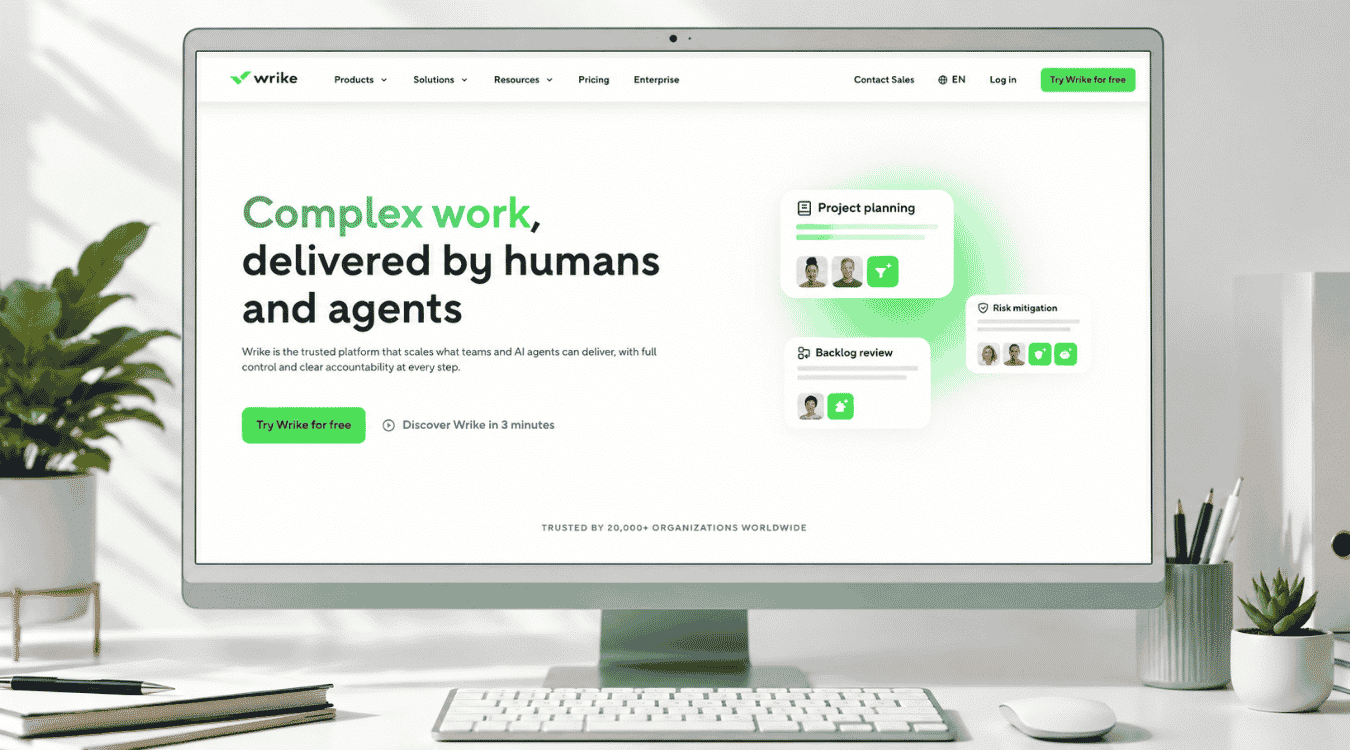
Best for: Agencies and teams managing several client accounts at once, especially those needing structured permissions, detailed reporting, and dashboards that scale across dozens of active projects simultaneously.
Pros:
- Custom guest roles for controlled client access
- Real-time, shareable dashboards for project updates
- Request forms that simplify client intake
- Strong reporting and portfolio-level visibility
Cons:
- Steep learning curve for new users
- Advanced features locked behind higher tiers
Key Features:
- Guest access with role-based permissions
- Shareable, real-time dashboards
- Custom request forms for client submissions
- Gantt charts and dynamic timelines
- Automated notifications and status updates
Pricing Plan: Free at $0/user/month. Team at $10/user/month (2-15 users). Business at $25/user/month (5-200 users). Pinnacle and Apex: custom pricing, contact sales.
Why Choose This Platform: Wrike fits teams that have outgrown simple task boards and need real structure behind client access, reporting, and multi-project visibility at scale.
2. Gain.io
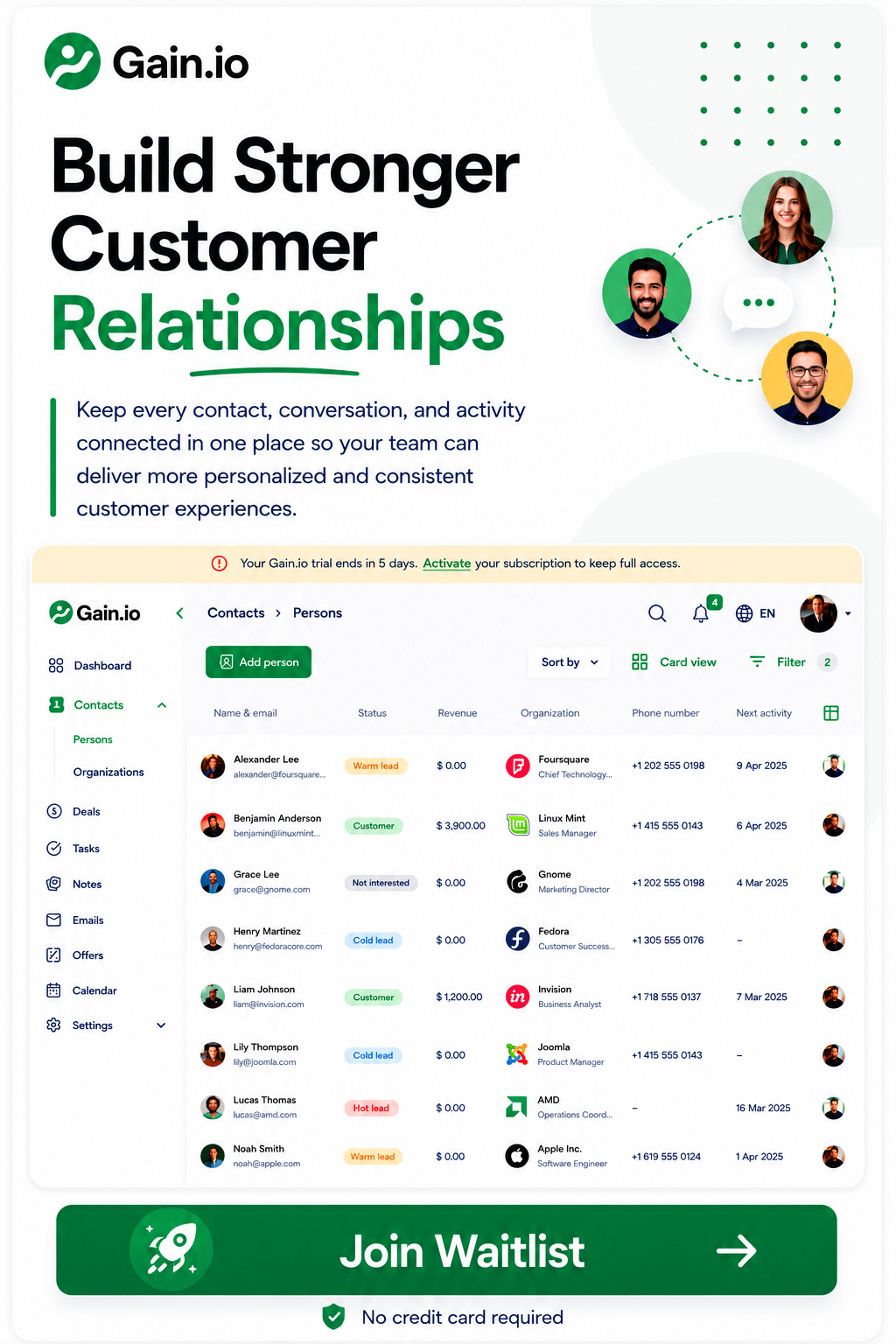
Gain.io helps businesses strengthen client relationships by bringing every customer interaction into one centralized workspace. Teams can manage contacts and organizations, track sales opportunities through deals, schedule follow-up tasks and calendar events, exchange emails, store meeting notes, and create professional offers without switching between multiple tools, all connected to the right client record.
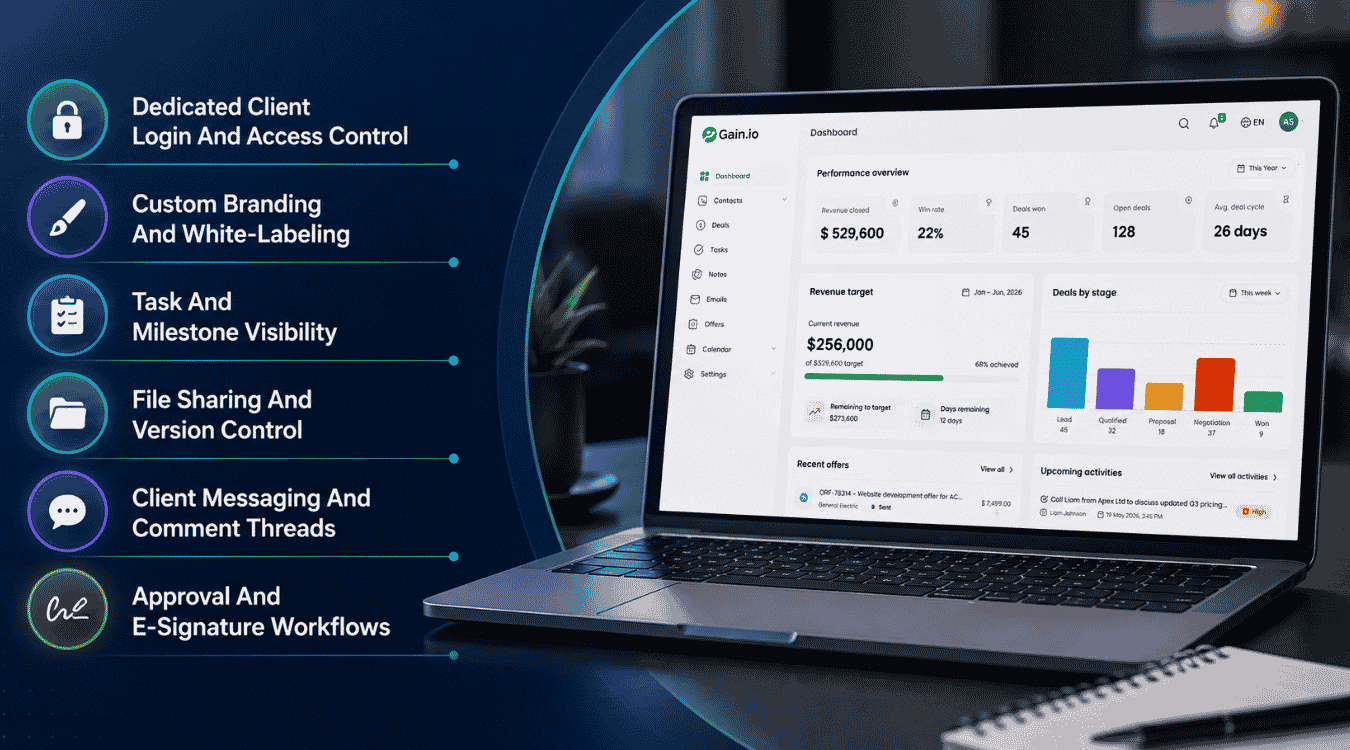
Best for: Small businesses, startups, and agencies that want a compact alternative to running a separate CRM and client portal, especially teams that need client context to carry from the sales deal straight through to delivery.
Pros:
- One centralized workspace for every client interaction
- Deal tracking connects sales context to delivery work
- Built-in calendar, tasks, and reminders keep follow-ups on schedule
- Offer creation and tracking without a separate tool
- Shared inbox keeps email and client records in one place
Cons:
- Not a dedicated project management tool
- No free-forever plan, only a 14-day free trial
Key Features:
- Contact and organization management
- Deal and sales pipeline tracking
- Task and calendar scheduling with reminders
- Email sync with a shared inbox
- Offer creation, tracking, and a live chat-enabled offer portal
Pricing Plan: One simple plan at $9.50 per seat/month, with everything included. No tiers, no hidden limits. Free 14-day trial, no credit card required, cancel anytime.
Why Choose This Platform: Gain.io fits teams that want CRM and client tracking in one tool, instead of paying for and switching between two separate platforms.
3. Teamwork
Teamwork.com is built for agencies that manage client work and need to track profitability alongside delivery. Its client portal turns incoming client emails into trackable tickets, so requests, feedback, and approvals stay organized instead of scattered across inboxes.
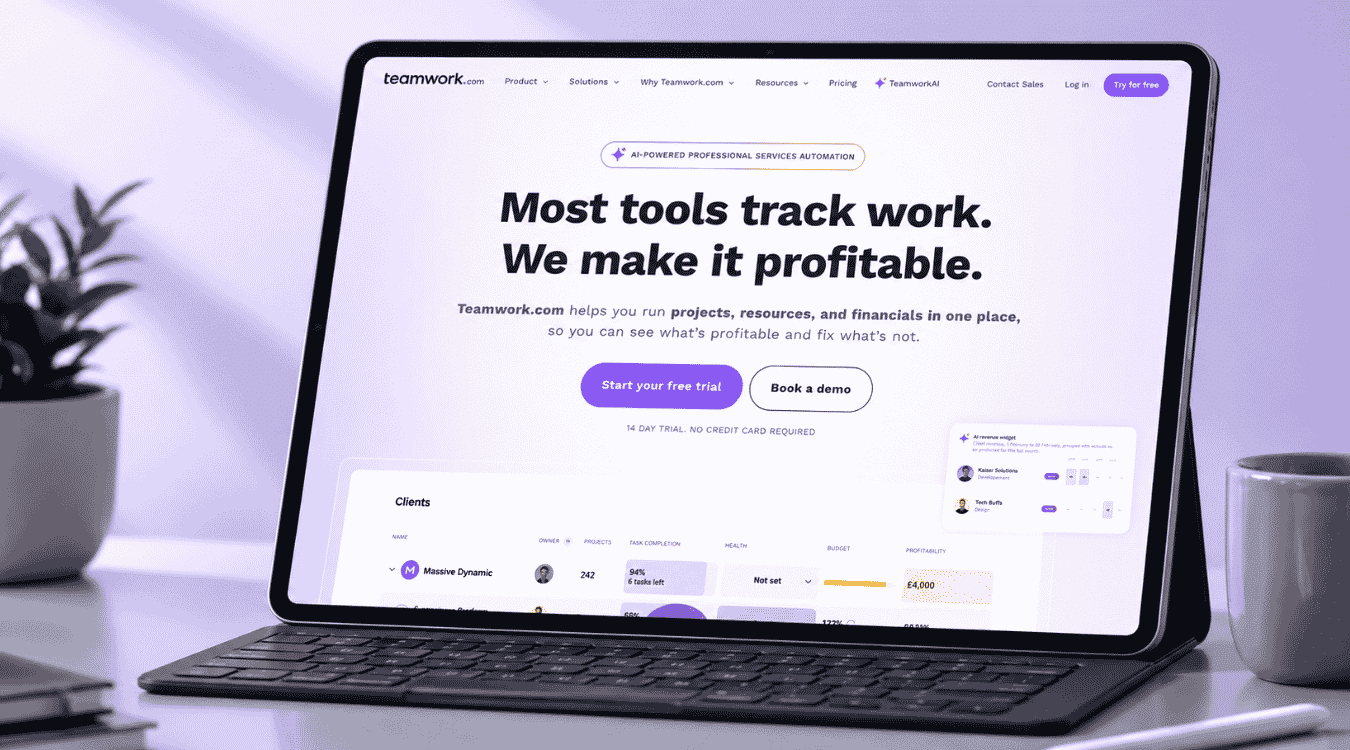
Best for: Agencies and services businesses handling multiple client projects at once, especially teams that need billable time tracking, budgets, and client communication tied directly to project profitability.
Pros:
- Ticket-style client portal keeps requests organized
- Strong time tracking and billing built in
- Gantt, table, list, and board views included
- Smart forms route incoming work automatically
Cons:
- Higher-tier features require sales contact for pricing
- Can feel heavy for very small teams
Key Features:
- Client portal with email-to-ticket conversion
- Time tracking and billable hours reporting
- Resource and capacity planning
- Smart forms for routing work requests
- Budget and retainer management
Pricing Plan: Basics at $9.99/user/month. Accelerate at $24.99/user/month (billed yearly). Optimize and Enterprise: custom pricing, contact sales. 14-day free trial included.
Why Choose This Platform: Teamwork.com fits agencies that need client communication, time tracking, and profitability data working together in one place.
4. Monday.com
Monday.com is a visual work platform built around boards, timelines, and Gantt views. Client access comes through guest permissions, giving clients a simple, visual way to follow project progress without needing a full seat on the team.
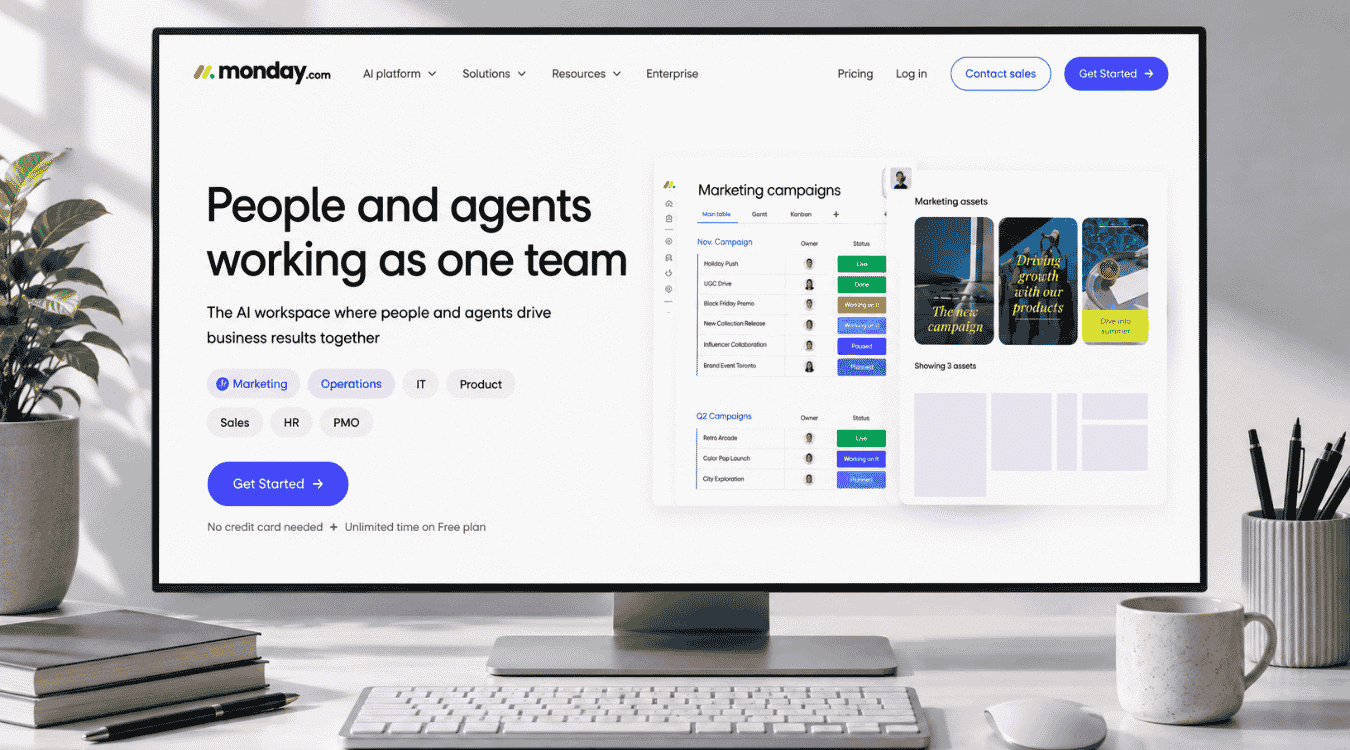
Best for: Teams that want clients to see progress at a glance through visual boards and timelines, rather than detailed tickets or dense reporting dashboards.
Pros:
- Guest access included from the Standard plan up
- Highly visual boards, timelines, and Gantt views
- Simple setup with 200+ templates
- AI features bundled into every paid tier
Cons:
- No native invoicing, so billing needs a separate integration
- Guest access isn't available on Free or Basic plans
Key Features:
- Guest access for client-facing boards
- Timeline, Gantt, and calendar views
- Automations and integrations by plan tier
- AI-powered tools across all paid plans
- 200+ ready-made templates
Pricing Plan: Free at $0 (up to 2 seats). Basic at $9/seat/month. Standard at $12/seat/month. Pro at $19/seat/month. Enterprise: custom pricing, contact sales.
Why Choose This Platform: Monday.com fits teams that want clients to follow progress visually, without needing deep reporting or ticket-based communication tools.
5. Zoho Projects
Zoho Projects is a budget-friendly project management tool with custom domain mapping, so the client-facing portal carries your brand instead of Zoho's. It fits teams that want solid features without paying enterprise-level pricing per seat.
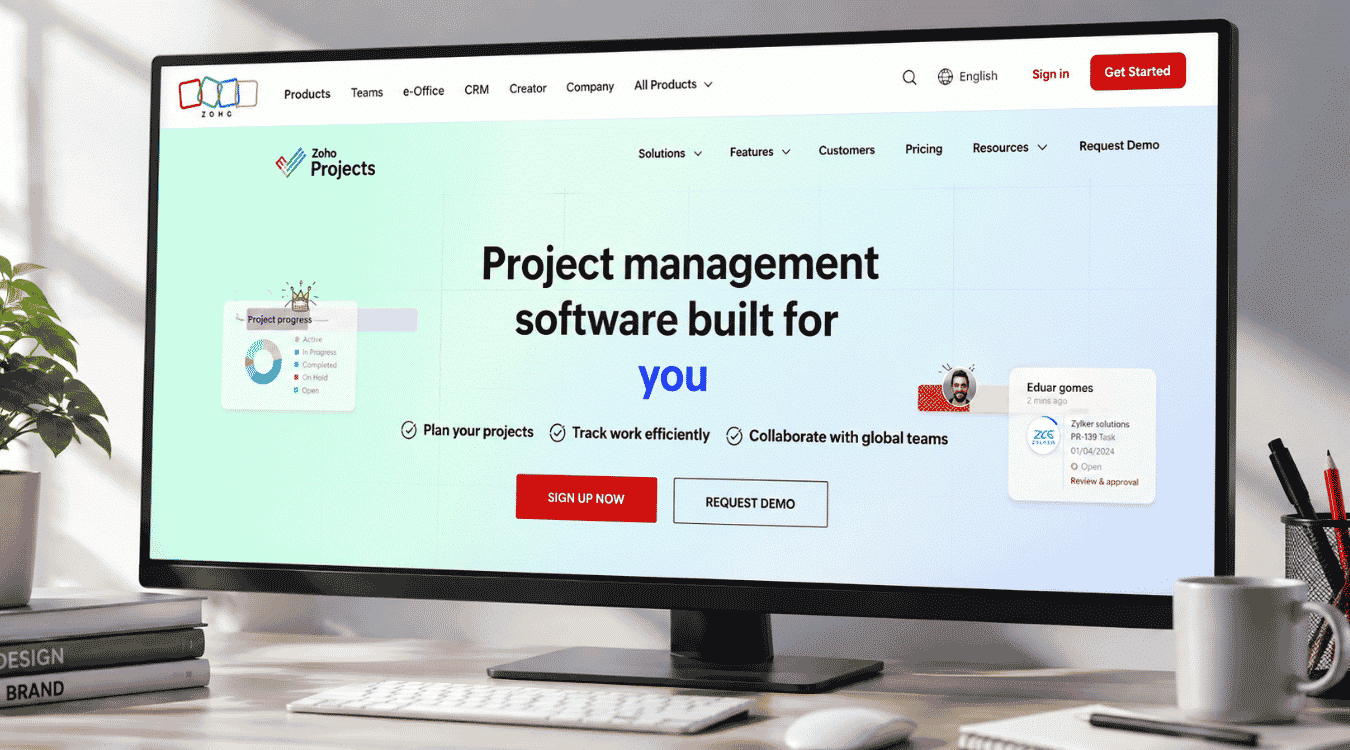
Best for: Small businesses and agencies on a tighter budget, especially teams that already use other Zoho products and want a branded, affordable client-facing portal.
Pros:
- Custom domain mapping for a fully branded portal
- Cheapest of the five, starting at $3/user/month
- Read-only user access included on Enterprise plan
- Single sign-on available on higher tiers
Cons:
- Free plan capped at 5 users and 3 projects
- Advanced branding and SSO require Enterprise or Ultimate tiers
Key Features:
- Custom domain and branding options
- Read-only user access for clients
- Time logs, timesheets, and multi-level approvals
- Custom views, statuses, and workflow actions
- Single sign-on (SSO) on higher-tier plans
Pricing Plan: Free at $0 (up to 5 users). Premium at $3/user/month. Enterprise at $7/user/month. Ultimate at $11/user/month. Billed annually.
Why Choose This Platform: Zoho Projects fits budget-conscious teams that still want a branded, functional client portal without paying premium per-seat pricing.
Top 5 Client Portal Software: At A Glance
Tool | Best For | Starting Price | Client Portal Type | Our Rating |
|---|---|---|---|---|
Wrike | Complex, multi-client projects | $10/user/month | True portal, guest roles | 4.8/5 |
Gain.io | CRM + Client Portal in one tool | $9.50/seat/month | CRM-native, deal-to-delivery | 4.8/5 |
Teamwork.com | Agencies billing client time | $9.99/user/month | Ticket-style, guest access | 4.7/5 |
monday.com | Visual, simple client updates | $9/seat/month | Guest access on boards | 4.7/5 |
Zoho Projects | Budget-friendly, branded portal | $3/user/month | Read-only guest access | 4.6/5 |
Key Features To Look For In A Client Portal
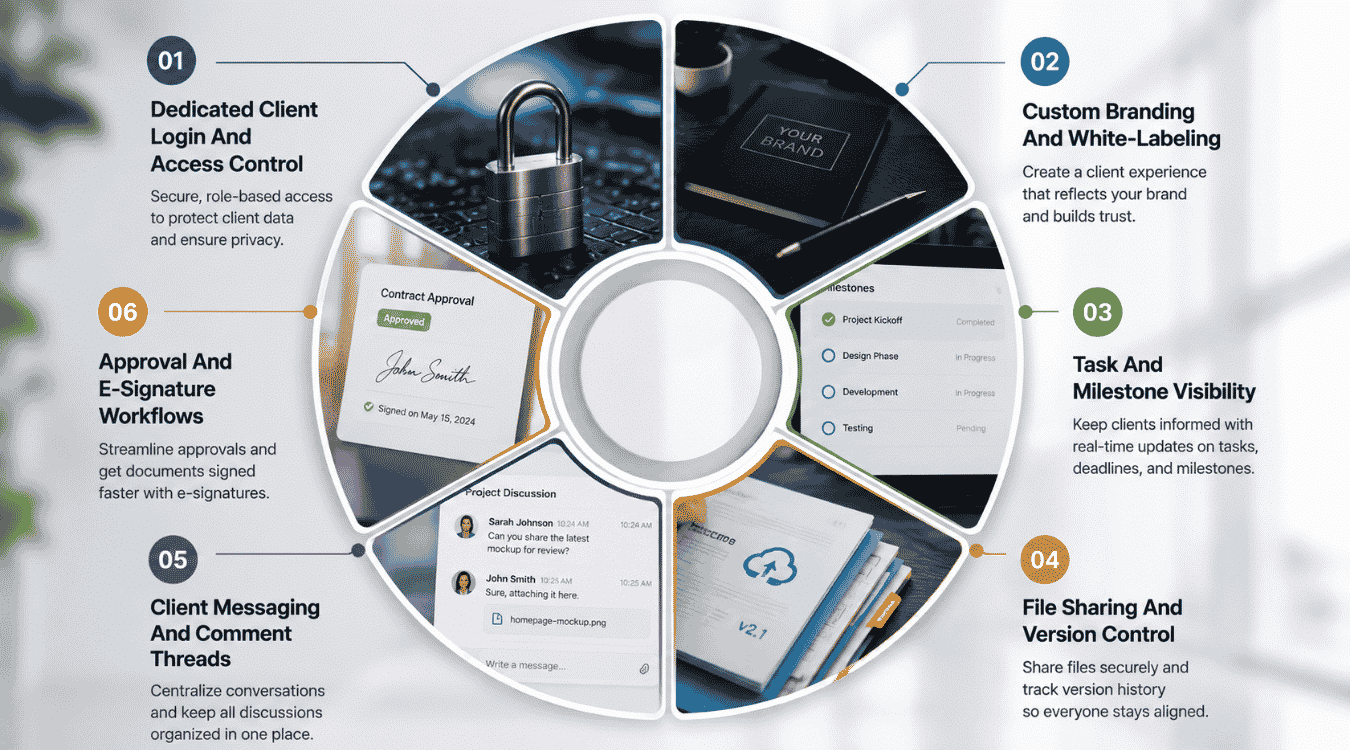
Not every client portal is built the same way, and the difference shows up fast once real client projects are running through it. Here's what actually separates a strong portal from a basic one.
Dedicated Client Login And Access Control
A shared login is the first thing that breaks trust in client management. Clients need their own secure entry point, one that shows only their projects and nothing tied to other accounts.
Good access control keeps client interaction clean for both your team and the client. It also supports unlimited portals per plan in some tools, so growing your client list doesn't mean paying more just to keep access organized.
Custom Branding And White-Labeling
A portal that looks like a third-party tool undercuts the experience you're trying to build. Branded client portals feel like an extension of your business, not a separate app clients have to get used to.
Custom domains, logos, and colors turn a generic branded portal into something that feels native. This matters most for agencies where the client relationship, not the software, is what clients actually care about.
Task And Milestone Visibility
Clients get anxious when they can't see where a project actually stands. Progress tracking removes the guesswork by showing tasks, deadlines, and milestones as they move, without a status call.
This is one of the most useful collaboration tools a portal can offer. Clients check in on their own time, and your team spends less time explaining what a Gantt chart already shows clearly.
File Sharing And Version Control
Email attachments create version confusion fast, especially across long client projects. Secure document sharing solves this by keeping every file, draft, and revision in one place tied to the right client.
Advanced security features matter here too, since sensitive files often include contracts or financial data. A portal with proper version control means nobody's ever working off an outdated file by mistake.
Client Messaging And Comment Threads
Long email chains make it hard to track who asked what and when. A portal with built-in messaging keeps client requests and replies attached directly to the task or file they're about.
This also cuts down on scattered support requests. Clients can submit support requests through the same portal they already use for updates, instead of a separate email or ticketing system entirely.
Approval And E-Signature Workflows
Waiting on a client's sign-off is one of the slowest points in most projects. A portal with built-in approvals lets clients review and confirm work without downloading, printing, or emailing anything back.
A user-friendly interface here matters more than people expect, since a confusing approval flow adds a real learning curve for clients. The simpler the process, the faster projects move past this step, especially when approvals are tied back to dynamic contact management for smarter relationship tracking.
How To Choose Client Portal Software With CRM
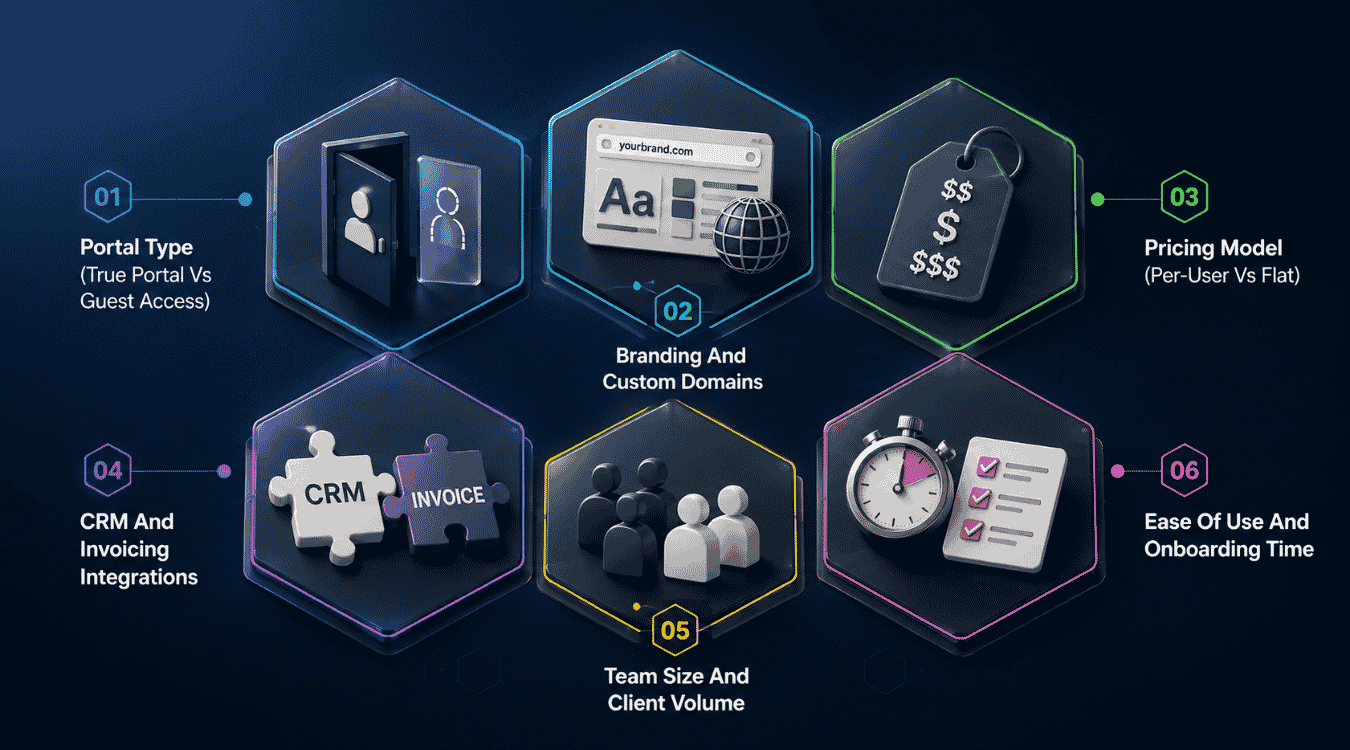
Picking the right tool comes down to how it fits your actual workflow, not just which features look good on a pricing page. Here's what to weigh before deciding.
Portal Type (True Portal Vs Guest Access)
Some tools give clients a real portal built just for them. Others just add guest access to your internal dashboard, which means clients see a limited version of the same tool your team uses to manage tasks.
A true portal usually protects the client relationship better, since it's designed around what clients actually need to see. Guest access can work fine for smaller service businesses, but it often shows more than intended.
Branding And Custom Domains
When clients log in and see someone else's logo, it undercuts the professional feel you're going for. Custom domains and branding let the portal feel like part of your business instead of borrowed software.
This matters most during client onboarding, when first impressions shape how seriously clients take the whole process. A branded experience helps encourage clients to actually use the portal instead of falling back on email.
Pricing Model (Per-User Vs Flat)
Per-user pricing scales with your team, but it can get expensive fast as headcount grows. Flat pricing keeps costs predictable, though it sometimes caps features or how many clients can access documents at once.
Think about project tracking needs alongside cost. A tool priced per seat might make sense for a small team, while flat pricing often fits businesses managing a higher volume of project tasks and clients at once.
CRM And Invoicing Integrations
A client portal that sits separate from your existing tools creates extra work instead of saving time. Look for integrations with the CRM or invoicing software you already use, or for CRM platforms with integrated features like Gain.io, so project details don't live in two places.
This keeps clients informed without your team manually copying updates between systems. It also avoids the mess of maintaining a separate portal that never quite matches what's in your CRM.
Team Size And Client Volume
A tool that works for five clients can fall apart at fifty. Check how the pricing and features hold up as both your team size and client volume grow over time.
Role-based access controls matter more here too. Larger teams need clear permission structures so employees only manage tasks and clients relevant to their own projects, not everything across the business.
Ease Of Use And Onboarding Time
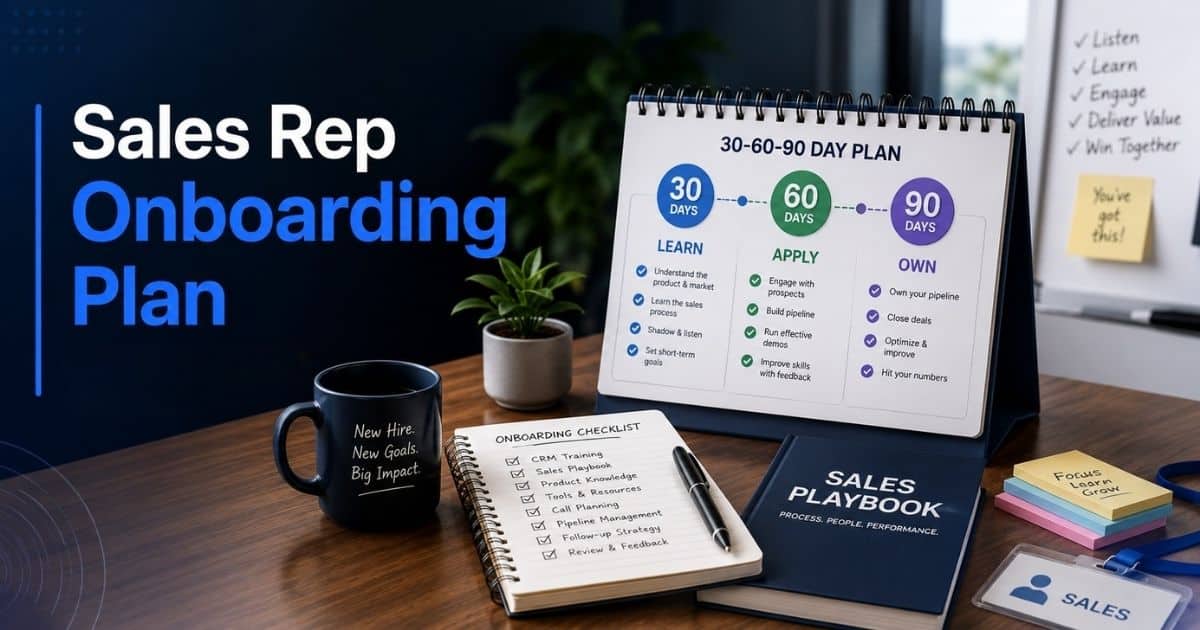
A powerful tool doesn't help much if it takes weeks for your team, or your clients, to learn. Look for a setup that gets both sides comfortable fast, without heavy training or documentation.
Client feedback during a trial period is the best way to judge this. If clients struggle to find project details or submit updates, the learning curve is too steep for daily use, and you’ll likely miss out on benefits from centralized notes and activity tracking.
Project Management Software Vs A CRM With A Client Portal
Project management software and CRM software solve different problems, even when both offer a client portal. A project management tool with a client portal focuses on delivery. It tracks tasks, timelines, files, and approvals for work that's already in motion. Clients log in to see progress on active projects, not the sales conversation that led there.
A CRM with a client portal works earlier in the relationship. It manages contacts, deals, and communication from first contact through the sale, then into ongoing client management. Some CRMs, like Gain.io, extend into light delivery features, so the same tool that closed the deal also handles tasks and calendar events afterward.
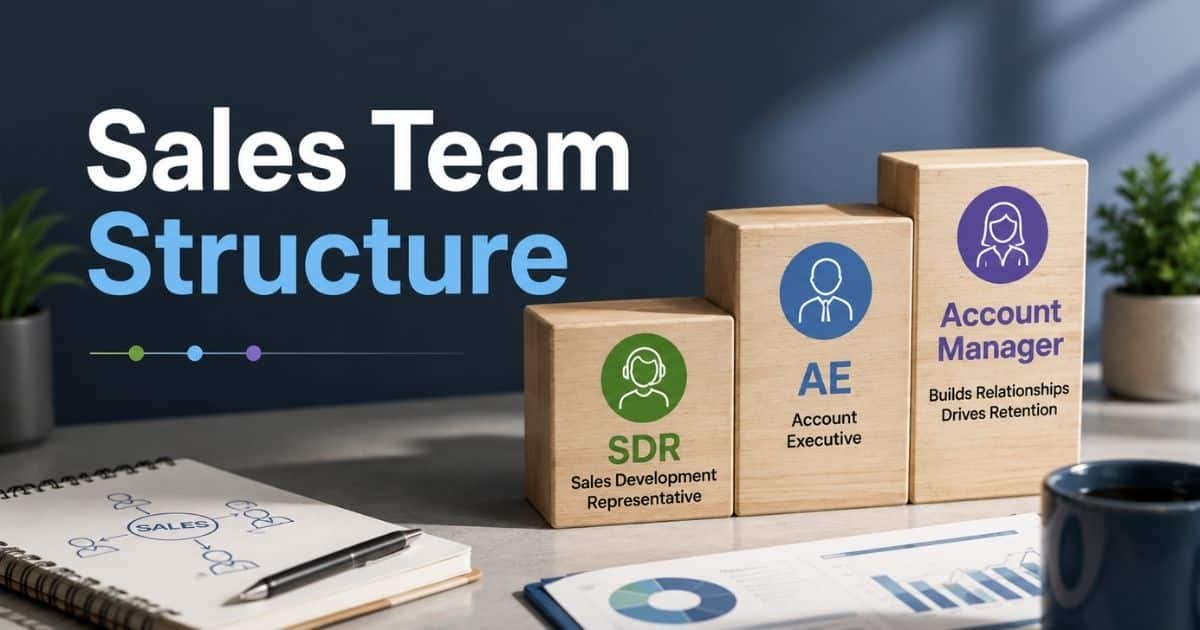
Neither approach is wrong, it depends on where your bottleneck actually sits. Agencies juggling complex, multi-stage projects usually need the depth a dedicated PM tool provides. Smaller teams or service businesses that don't want to manage two separate systems often do better with a CRM built for startups and small sales teams that covers both sides without the extra cost or setup.
| Criteria | Project Management Software | CRM With A Client Portal |
|---|---|---|
Primary focus | Task and project delivery | Sales, deals, and client relationships |
Client portal shows | Project progress, files, approvals | Deals, offers, communication history |
Best fit | Complex, multi-stage projects | Sales-to-delivery continuity |
Team size fit | Mid-size to large teams | Small teams, startups, agencies |
Tool overlap | Often needs a separate CRM | Some cover light PM features too |
Example tools | Wrike, Teamwork.com, monday.com | Gain.io |
Final Discussion
Choosing between these five comes down to what your team actually needs day to day. Wrike and Teamwork.com suit complex projects that need a dedicated portal with deep task tracking. monday.com works well for teams that want a visual, simple project space. Zoho Projects fits budget-conscious teams that still want a branded portal feature.
If you're running a smaller team or agency, Gain.io stands out as the most practical pick. It's a customizable platform that keeps deals, tasks for sales execution, and client communication in one place, without switching between separate communication platforms just to stay organized.
For teams that want a comprehensive solution covering both sales and light delivery work, Gain.io keeps clients aligned through secure messaging, file management, and centralized records, all without the cost or complexity of running two separate tools side by side, and stacks up well in comparisons with tools like Pipedrive.
FAQs
What Is The Best Client Portal Software With CRM?
Wrike works well for complex, multi-client projects. Gain.io fits teams that want CRM and light project tracking in the same tool. The right pick depends on team size and budget.
Do Clients Need To Pay For Portal Access?
No, clients don't pay for portal access. Most tools include this in your subscription, so clients can easily track progress, access files, and view project plans without needing their own account.
Can A CRM Replace Project Management Software With A Client Portal?
For smaller teams, yes. A CRM with a client portal, like Gain.io, covers deals, tasks, and communication in one place and can be easier to adopt than heavier enterprise CRMs like Salesforce. Larger teams running complex projects usually still need dedicated project management software.
Is Zoho Projects Good For Client Portals?
Yes, Zoho Projects offers a branded, budget-friendly portal with custom domain mapping and robust security. It's a solid choice for smaller teams that don't need enterprise-level pricing or third party software add-ons.
What Should Agencies Look For In A Client Portal?
Agencies should prioritize a dedicated portal with an intuitive interface, secure messaging, and role-based access. A secure space for file sharing and approvals also matters more than flashy extras, especially for verticals like retail teams using CRM tools to stay organized.