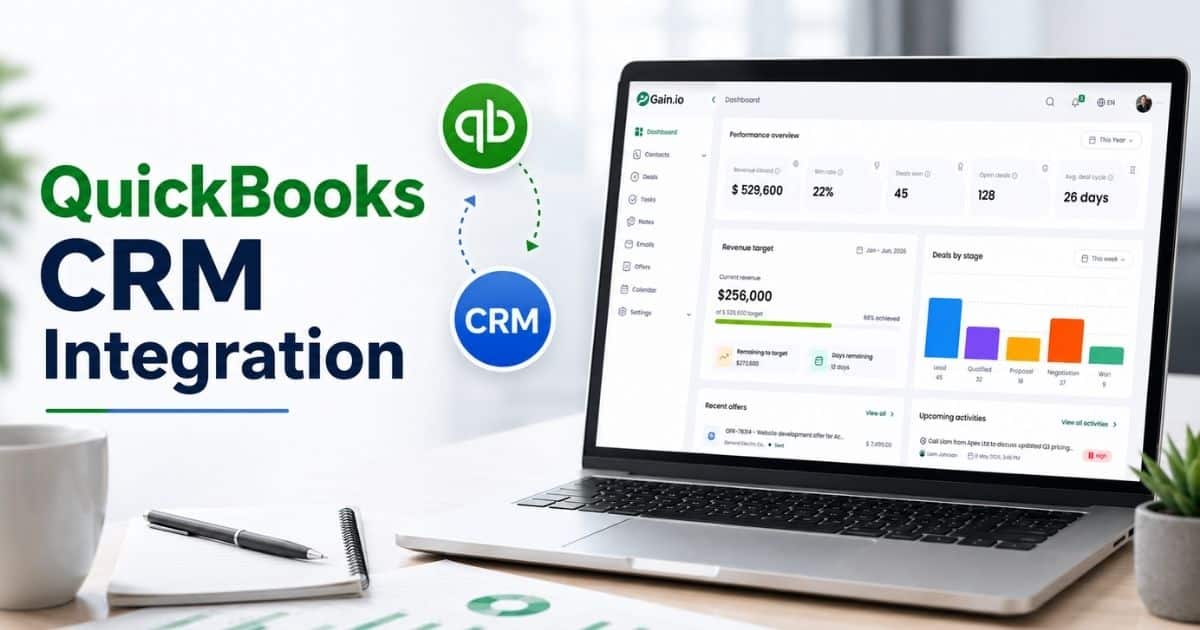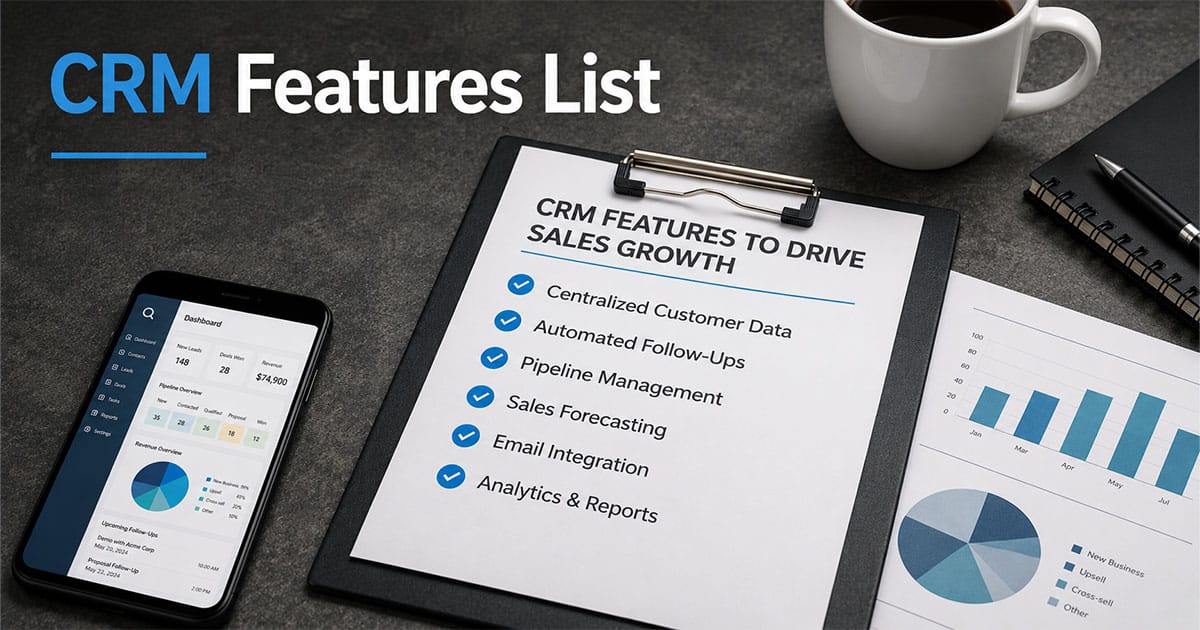
A modern CRM system does far more than store contacts. It aligns sales management, marketing campaigns, and customer inquiries into one unified workflow that supports the entire customer life cycle. Businesses that use the right setup can manage customer data efficiently while also connecting with other business tools to remove silos. The result is stronger customer relationship management, better visibility, and consistent revenue growth.
From engaging potential leads to retaining existing customers, the impact extends across every stage of business growth. Teams can automate repetitive tasks, improve sales productivity, and focus on meaningful interactions that actually convert. This guide breaks down key CRM features and essential CRM features list that directly influence performance, helping you understand how to drive revenue growth without adding unnecessary complexity.
What Is a Sales-Focused CRM
A sales-focused integrated CRM system is built to unify sales and marketing into one streamlined workflow. It connects campaign management, sales marketing, and broader sales and marketing efforts so teams can act on real-time data. By reducing repetitive sales tasks, it allows teams to focus on high-value customer conversations that lead to stronger customer relationships, which is especially critical in B2B sales CRM environments.
Such systems often extend beyond core sales functions by connecting inventory management and other operations, giving a complete view of the business. Teams can gain insights into performance, refine marketing efforts, and improve customer relationships at every stage. The ultimate goal is simple: remove friction, improve efficiency, and drive revenue growth through smarter, data-backed decisions.
7 CRM Features That Actually Drive Sales Growth
This section covers the core capabilities that separate revenue-generating CRMs from glorified spreadsheets. Each feature ties to a measurable sales outcome: better pipeline coverage, higher conversion rates, faster cycle times, or increased expansion revenue.
Revenue-Grade Contact and Account Management
Contact management in a sales-focused CRM goes beyond storing contact details and company names. Revenue-grade systems link contacts to accounts with hierarchy views, interaction timelines, and buying signals that surface when accounts show engagement, reflecting the fundamentals of a robust contact management CRM built for growing teams.
This approach supports critical sales motions. During outbound prospecting, enriched profiles help SDRs identify key stakeholders before reaching out. When an SDR-AE handoff occurs, shared notes and interaction history prevent dropped context. In QBRs and renewals, usage patterns and conversation history reveal expansion opportunities that would otherwise go unnoticed.
Research from Salesforce indicates that teams with enriched customer profiles achieve 19% higher win rates. The reason is straightforward: when sales representatives understand the full picture of customer behavior and purchase history, they have better conversations and make smarter recommendations.
Intelligent Pipeline and Opportunity Management
Your sales pipeline should tell you exactly where every deal stands and which ones need attention. Intelligent pipeline management visualizes the entire sales funnel from first touch to closed-won, giving managers and reps clarity on deal progression.
Key capabilities include drag-and-drop Kanban views for moving opportunities through stages, weighted pipeline values based on stage probabilities (discovery at 10%, negotiation at 75%), deal health scores that aggregate engagement data, and time-in-stage alerts that flag stalled opportunities before they go cold, all hallmarks of a well-designed sales pipeline CRM that improves visibility and control.
A B2B SaaS team restructured their opportunity stages to match their actual sales process and improved forecast accuracy from 65% to 92% within one quarter. This kind of structured pipeline management also enables better coaching during weekly reviews, where managers can identify at-risk deals and intervene before they slip. Gartner’s 2024 research shows that teams with properly structured stages reduce stalled deals by 35%.
AI-Assisted Selling
AI inside a CRM should help sales reps decide who to call, what to say, and when to follow up. The practical applications go beyond buzzwords to deliver predictive analytics that shape daily priorities.
Specific capabilities that matter include lead and account scoring that ranks potential customers by fit using historical win-loss data and behavioral signals like website visits or email opens. Automated email suggestions generate personalized drafts from CRM context. Next-best-action recommendations tell reps whether to call, send a proposal, or schedule a demo based on pipeline stage. Smart alerts flag risks like competitor mentions in recent conversations, mirroring how an AI sales assistant for pipeline efficiency guides daily priorities.
HubSpot 2025 data indicates that AI scoring boosts conversions by 20 to 50%. Platforms like Salesforce’s Agentforce can automatically summarize call transcripts and suggest follow-up actions. The key difference from generic chatbots is integration with your specific pipeline stages, ICP definitions, and historical patterns. Teams leveraging this kind of deeply integrated AI report a 32% improvement in MQL-to-SQL conversion.
Revenue-Centric Workflow Automation
Workflow automation in a sales context should shorten cycles and prevent leakage, not just eliminate random administrative tasks. The focus is on automating routine tasks that directly impact deal velocity.
Examples of high-impact automations include auto-creating follow-up tasks after demo calls, routing inbound leads to the right rep within two minutes, triggering renewal playbooks 120 days before contract end, and sending alerts when proposals sit in a stage for more than 14 days without activity, the same kinds of scenarios where CRM automation for sales and growth delivers outsized returns.
These automated workflows free reps from manual admin work, increasing their selling time by an average of 34% according to industry research. A mid-market services firm automated their SDR-AE handoffs and cut response times by 70%, lifting conversions 18%. Another team reduced their average sales cycle from 90 to 60 days by implementing structured workflows that eliminated gaps between stages.
Advanced Revenue Analytics, Forecasting, and Dashboards
CROs and heads of sales need real-time visibility into performance to make informed decisions. Advanced reporting and analytics capabilities transform CRM data into actionable insights that shape strategy.
Essential features include customizable dashboards showing win rate by segment, pipeline coverage ratio, average deal size, and sales velocity, all powered by a visual sales pipeline that improves deal clarity. Cohort analysis helps identify which customer segments convert best. Forecast categories like commit, best case, and upside enable scenario-based planning. The best systems automatically surface anomalies like sudden drops in win rate for a specific product line, much like the reporting built into a visual sales pipeline that makes risks immediately obvious.
Sales forecasting tied to structured pipeline data delivers significantly better accuracy. Teams with advanced forecasting capabilities hit quotas 1.5 times more often according to 2024 benchmarks. These insights inform resource allocation decisions like hiring and territory changes, as well as strategic moves around product focus and pricing.
Multi-Channel Communication and Sales Engagement
Managing customer interactions across email, phone, social, and in-app messaging requires a unified view where every touchpoint is tracked against the right contact and deal. Multi-channel communication capabilities prevent the scattered approach that leads to duplicate outreach and missed follow-ups.
Key features include email templates and sequencing, call logging with notes, click and open tracking, and integrations with email and calendar tools inside your CRM. Having all sales conversations centralized improves handoffs between SDRs, AEs, and customer service teams while ensuring nothing falls through the cracks.
Research shows centralized communication tracking boosts reply rates by 26%. A practical example is a 14-day multi-touch outbound sequence that combines emails on days 1, 4, and 10 with calls on days 3 and 7 and LinkedIn outreach on day 12. Teams using structured cadences report 22% more pipeline attributed to outreach.
Deep Integrations With Your Revenue Stack
Integration capabilities determine whether your CRM operates as a single source of truth or becomes another data silo. Tight connections with marketing automation, billing, and collaboration tools enable the data flow that powers accurate forecasting and targeted expansion plays.
Critical integrations include marketing platforms like HubSpot or Marketo for lead handoffs, billing systems like Stripe or Chargebee for revenue data, and collaboration tools like Slack or Microsoft Teams for real-time alerts, enabling sales workflow automation strategies that connect data across tools. Two-way sync ensures that product usage data, account status, and opportunity details stay consistent across systems, making it far easier to execute cross-tool sales workflow automation strategies without brittle, manual handoffs.
When product usage data flows into the CRM automatically, it can trigger expansion sequences when customers hit usage thresholds or churn-prevention outreach when engagement drops. Teams with well-integrated stacks see 15 to 20% improvement in forecast accuracy because their data reflects reality rather than manual updates that lag behind.
On-the-Go Mobile CRM for Field and Hybrid Teams
Mobile access keeps revenue teams productive in environments where meetings happen outside the office. Mobile CRM capabilities should go beyond checking boxes to deliver genuine utility for field and hybrid sales reps.
Practical features include updating opportunities from a phone immediately after customer interactions, logging notes before context fades, and accessing full contact history before walking into a meeting. The ability to trigger follow-up workflows from mobile devices ensures that deals keep moving even when reps are between appointments, reducing the likelihood of common sales follow-up mistakes like delayed responses or forgotten touches by helping reps automate sales tasks to stay focused and organized.
Clean UI, offline mode, and fast load times separate useful mobile CRM from afterthought apps. Teams that actively use mobile capabilities report reduced data gaps, more accurate forecasting, and faster follow-ups that improve customer satisfaction and higher customer satisfaction scores.
How to Evaluate CRM Features Through a Revenue Lens
Many teams choose CRMs based on feature checklists without asking whether those features actually impact pipeline and revenue, instead of following tips for choosing CRM tools that fit your workflow. A better approach scores capabilities against criteria like increasing selling time, improving forecast accuracy, and helping teams prioritize the right accounts.
Start by mapping current sales bottlenecks. Poor lead follow-up suggests automation needs. Inaccurate forecasts point to pipeline and analytics gaps. Long approval cycles may require integration with CPQ or accounting software. Then run small pilots with one region or team to track KPIs before and after enabling specific features, especially when redesigning how your sales pipeline is structured to reflect real buying journeys.
Questions to Ask Vendors About Sales-Impacting Features
When evaluating CRM software, pointed questions separate genuine capabilities from demo-driven claims.
Ask how the AI model learns from your historical win-loss data and whether it incorporates firmographic and behavioral signals. Inquire whether workflows can trigger actions based on product usage data or customer behavior patterns. Request specifics on how the platform handles lead management inside the CRM and lead routing speed. Ask about forecast category support and scenario modeling capabilities.
Interpret vague answers as warning signs, especially when discussing how CRM helps sales teams manage leads and route them quickly. Demand customer references with post-2023 case studies showing specific revenue metrics like cycle length reduction or win rate improvement. If a vendor cannot provide examples of 20% or greater revenue lifts, their impact claims deserve skepticism.
Aligning CRM Features List With Your Sales Process
Misalignment between your actual sales process and CRM structure leads to dirty data, poor adoption, and misleading forecasts. The fix starts with documentation.
Map your existing stages from discovery through demo, proposal, negotiation, and closed-won, keeping in mind that you can get more from your CRM with a simpler sales workflow that mirrors reality. Identify gaps where deals stall or context gets lost. Then design CRM stages and workflows that mirror reality. Involve frontline reps in this process since they know where friction exists. Teams that align CRM structure with how they actually sell report significantly better reporting accuracy and manager coaching effectiveness.
Balancing Feature Depth With Ease of Use
The trade-off between powerful features and daily usability determines whether your sales team actually uses the system. Over-customizing fields, building excessive reports, or layering in unused integrations creates friction that drives reps away.
Start with a minimum viable CRM configuration: core pipeline stages, essential fields, and a small set of reports used weekly. Enable advanced features like complex automations in phases based on actual need. One team simplified their setup in 2025 by removing 40% of their custom fields and saw adoption rise 45% with corresponding improvements in data quality, a clear example of getting more from your CRM by committing to a simpler sales workflow and focusing on how CRM improves sales productivity.
Common Mistakes When Choosing Sales Growth CRM Features
Even teams with good intentions make errors that undermine their CRM investment. Understanding common pitfalls helps you avoid them before they impact business operations.
The most frequent mistakes include chasing trendy AI features without solid fundamentals, underestimating integration and data quality requirements, skipping adequate training, failing to tie features to revenue targets, and over-customizing too early. Each mistake directly impacts sales outcomes through inaccurate forecasts, lost leads, or rep frustration that tanks adoption.
Over-Prioritizing Vanity Features Over Core Sales Needs
Teams sometimes get distracted by impressive demos and flashy interfaces while neglecting basics like clean contact data and clear pipeline stages. A sophisticated AI feature means nothing if underlying customer information contains duplicates or missing fields.
Vanity features look great in presentations but rarely change selling time or win rates. Prioritize reliable reporting, straightforward pipeline management, and workflow automation that streamlines repetitive tasks before exploring advanced add-ons.
Ignoring Integration and Data Quality From Day One
Poor integrations and bad data undermine every advanced feature. Duplicate accounts, missing contacts, and inconsistent stage definitions typically surface within 6 to 12 months of implementation and erode trust in forecasts by 20% or more.
Set up basic governance early: field standards, deduplication rules, and clear ownership of integration maintenance. Teams that address data issues proactively see immediate improvements in forecast reliability and reporting usefulness.
Underestimating Training and Enablement Needs
Insufficient training leads to adoption rates below 50% regardless of feature strength. A simple rollout plan includes initial training, role-specific sessions for different team members, and ongoing coaching over the first 90 days, addressing many of the classic CRM adoption challenges that sink otherwise strong implementations.
Build concise internal playbooks documenting how your team uses the CRM. Standardize behavior around data entry and pipeline updates. Sales leadership must model usage and hold teams accountable for keeping records current.
Failing to Tie Features to Clear Revenue Targets
Rolling out features without linking them to specific revenue KPIs makes success impossible to measure. Each major feature should have a defined objective like increasing MQL-to-SQL conversion by 15% in six months or reducing sales cycle length by 20 days.
Periodically revisit whether each feature still supports current GTM strategy and quota attainment. Features that served last year’s business processes may need adjustment as your approach evolves.
Over-Customizing Too Early
Heavy customization at launch makes upgrades harder, confuses new users, and creates maintenance burdens. Dozens of custom fields, overly complex approval flows, and non-standard pipeline stages cause more problems than they solve.
Follow a phased customization strategy that reflects the needs of your current team size, especially if you are evaluating a CRM for startups and small sales teams. Start with core objects and add fields or workflows based on real usage data after 90 days. Teams that overbuilt in year one often spend year two simplifying, echoing broader advice from modern CRM software guides for sales teams and CRM tools that help retail teams stay organized that warn against premature complexity.
Best Practices for Implementing Sales-Driving CRM Features
Turning chosen CRM features into real sales outcomes requires a practical playbook built around clear sales workflow automation strategies. These practices reduce the risk of underutilization and accelerate time to value, particularly when you connect them to concrete CRM automation benefits for sales.
Cross-functional collaboration between sales, RevOps, marketing teams, and finance matters when rolling out new features. Realistic timelines help set expectations. Plan for 30, 60, and 90-day milestones when enabling core features like pipeline management and sales automation, using them to steadily expand your sales admin tasks automation without overwhelming the team.
Start With a Clearly Defined Sales Process and Data Model
Align CRM setup with a documented sales process and consistent data structure before onboarding users. Define stages, mandatory fields, and key objects like accounts, opportunities, and products upfront.
Use simple, intuitive naming conventions that sales people understand without translation, especially in fast-moving environments where CRM tools that help startups grow smarter must stay easy to use. A standard B2B SaaS data model might include Lead, Account, Contact, Opportunity, and Product objects with clear relationships between them. This foundation enables reliable reporting and accurate AI recommendations, regardless of whether you choose a heavyweight platform or a streamlined option in a Gain.io vs Salesforce comparison.
Phase Feature Rollout to Match Team Readiness
Start with core features like contact and pipeline management. Layer in AI, automation, and advanced analytics as the team builds comfort and data quality improves.
A practical sequence over 3 to 6 months might enable basic pipeline and contact management in month one, add workflow automation in month two, introduce AI scoring in month three, and roll out advanced forecasting in months four through six. Gather feedback after each phase and iterate configurations based on real usage.
Involve Sales Leadership and Reps in Configuration Decisions
Frontline involvement in decisions about stages, fields, and automations leads to better fit and higher adoption. Hold workshops or surveys to gather input from reps across different regions and roles.
When rep feedback leads to simplifying fields or renaming stages for clarity, adoption improves. Teams that feel ownership over CRM configuration keep data cleaner and use features more consistently.
Use Dashboards and Reports in Regular Revenue Meetings
Build CRM dashboards that become the centerpiece of weekly pipeline reviews and monthly QBRs. Create role-appropriate views: personal pipeline for AEs, team performance for managers, forecast and trends for leadership, all grounded in a clear sales pipeline CRM and supported by intuitive visual sales pipeline software.
Decisions in these meetings should come directly from crm data, reinforcing its role as the authoritative source. A typical weekly meeting agenda might review new opportunities, stalled deals, forecast changes, and upcoming activities all from a single dashboard.
Continuously Refine Features Based on Data and Feedback
RevOps or CRM admins should regularly review usage data and talk to users about friction points. Prune unused fields, optimize workflows that cause slowdowns, and adjust scoring models after accumulating a few quarters of data.
A quarterly review rhythm where stakeholders examine adoption metrics and KPIs tied to major features keeps the system aligned with evolving GTM strategy. This continuous refinement turns the CRM into a living system rather than a static implementation.
Why Gain.io Focuses on Sales-Growth Features
Gain.io prioritizes features that demonstrably help sales teams grow revenue rather than accumulating capabilities for their own sake. The platform brings together intelligent pipeline management, workflow automation, and analytics in a unified experience designed around how modern revenue teams actually operate, positioning it as an all-in-one CRM to grow your sales and team.
Built for 2024 through 2026 selling environments, Gain.io supports hybrid work patterns, multi-channel sales engagement, and complex B2B buying journeys with multiple stakeholders. The implementation approach emphasizes fast time to value through phased rollouts and tight integrations with existing business tools, backed by smart CRM tools for sales teams and evidenced by a sales acceleration case study showing faster deal cycles.
Rather than overwhelming teams with configuration options, Gain.io delivers powerful defaults with focused customization that matches typical B2B sales process needs. If you want to see how these seven core feature areas work in practice, exploring a tailored demo shows how Gain.io can support your specific pipeline and revenue goals.
Frequently Asked Questions
How long does it typically take to see revenue impact from new CRM features?
Initial productivity gains from automation typically appear within 30 to 60 days as reps spend less time on administrative tasks. Forecast improvements usually become measurable around 90 days once enough data flows through structured stages. Full revenue impact, including higher win rates and larger deal sizes, generally takes 6 to 12 months, depending on your sales cycle length. Strong change management and leadership support can accelerate these timelines significantly. Teams that follow phased rollout best practices see results faster than those who try to enable everything at once.
Which CRM feature should a small sales team prioritize first?
Small teams under 10 reps should focus on core pipeline and opportunity management plus basic automation for follow-ups before exploring advanced AI or heavy customization. Clear stages, required fields, and a basic set of reports used weekly create the foundation. Once these fundamentals are solid, small teams can benefit disproportionately from AI-assisted prioritization and email sequences since they lack the headcount to manually optimize every interaction.
How can we avoid overwhelming reps with too many CRM features?
Focus on a small, high-value set of capabilities at first and hide or disable non-essential features. Role-based views ensure each user sees only what matters to their job. Progressive feature rollout adds complexity only when the team demonstrates readiness. Listen to rep feedback actively and trim friction points in the UI and workflows. Adoption and data quality matter more than having every feature turned on from day one.
Do we really need AI in our CRM to grow sales, or can we start without it?
Teams can absolutely start growing with strong fundamentals like structured pipelines, workflow automation, and solid analytics. AI becomes particularly valuable once there is enough historical data in the CRM to train useful models, typically after 6 to 12 months of consistent usage. A phased approach works best: implement core features first, then enable AI capabilities once data quality and volume reach sufficient levels. AI acts as a multiplier for existing processes rather than a replacement for basic CRM hygiene.
How should we budget for CRM features that are truly sales-critical?
Think in terms of ROI rather than just license cost. Tie investment to expected revenue gains and productivity improvements rather than feature counts. Categorize capabilities into critical for operating, like pipeline and reporting, versus growth accelerators like AI and advanced automation. Factor hidden costs including implementation, training, and integration work into your planning. A focused, sales-centric CRM can reduce the need for multiple point solutions, potentially lowering overall tooling spend while delivering greater business efficiency.