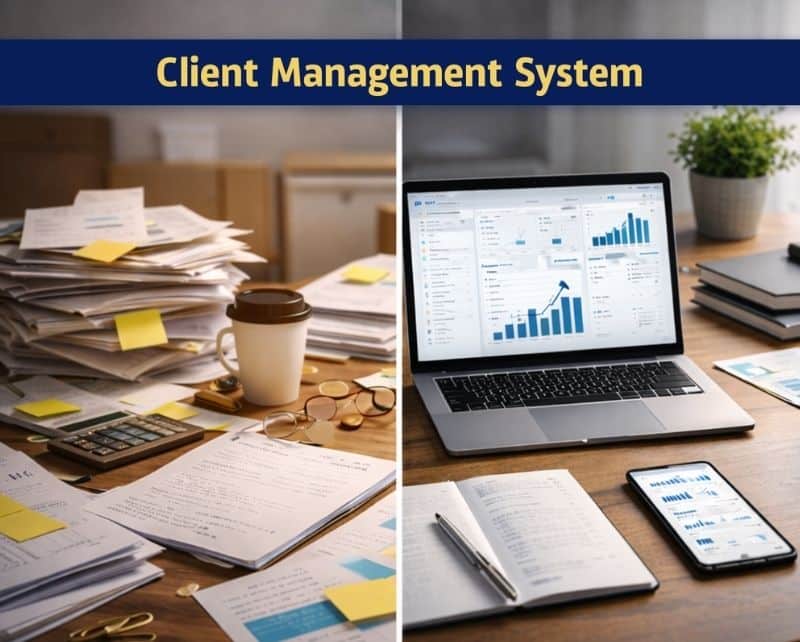
Running a marketing agency or creative team in 2026 means juggling dozens of deliverables across multiple clients every single week. Content calendars, approval threads, brand guidelines, and stakeholder feedback often scatter across email inboxes, shared drives, and random spreadsheet tabs. This fragmentation creates bottlenecks, missed deadlines, and frustrated clients.
Client management software solves this problem by bringing everything into one place. Instead of hunting through email chains to find that one piece of feedback from three weeks ago, your team accesses a centralized workspace where all client information lives. From campaign briefs to final approvals, every touchpoint stays organized and visible.
This article walks through what client management means in 2026, how it differs from traditional CRM systems, the key features to look for, and how to choose a platform that fits your team. If you manage client projects and want to reduce chaos while building stronger client relationships, keep reading.
What Is A Client Management Software
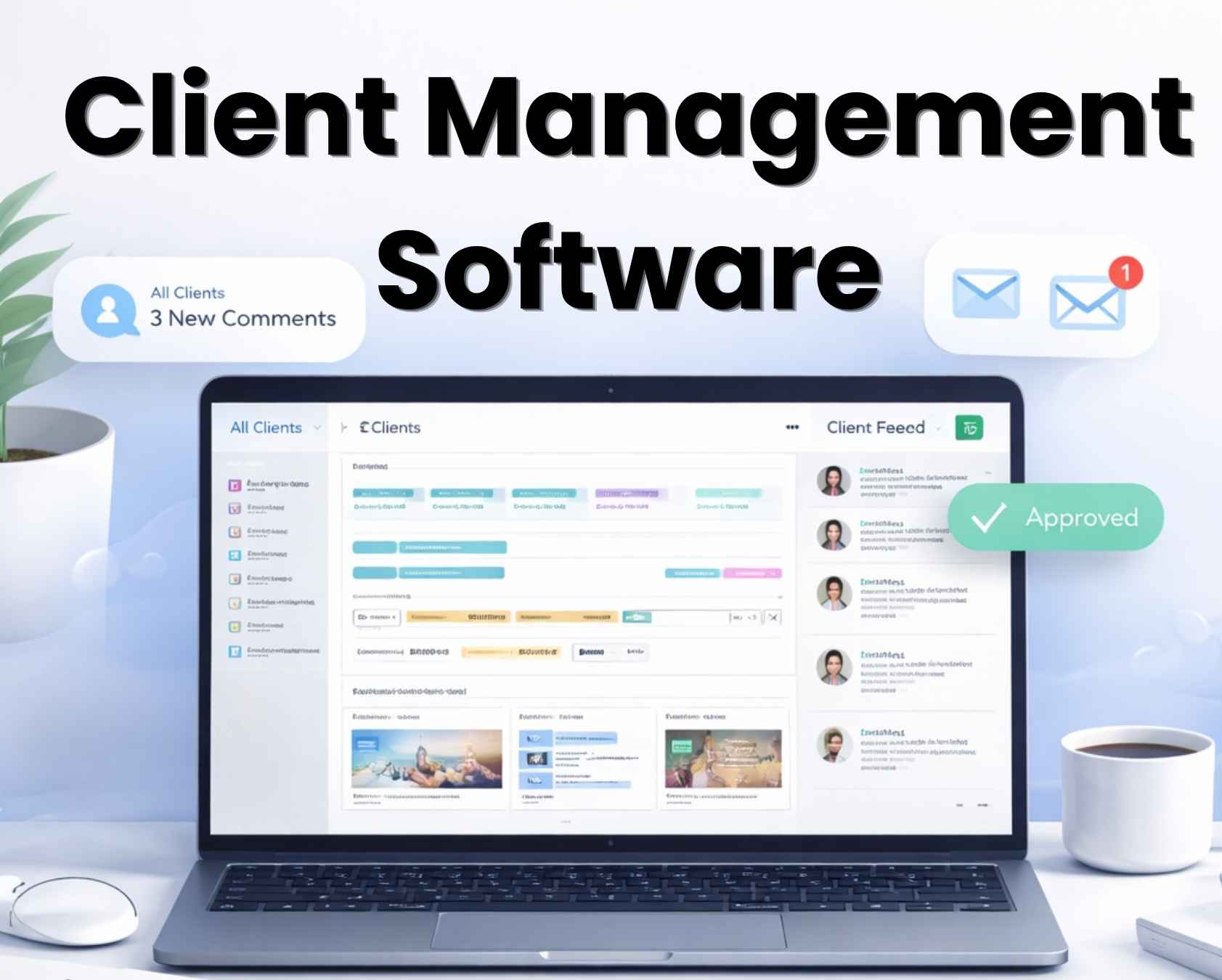
Think of client management software as your team’s single source of truth for everything related to your clients. It keeps all client information, conversations, files, and tasks in one place instead of scattered across email and spreadsheets. No more digging through your inbox to find that feedback thread from two months ago.
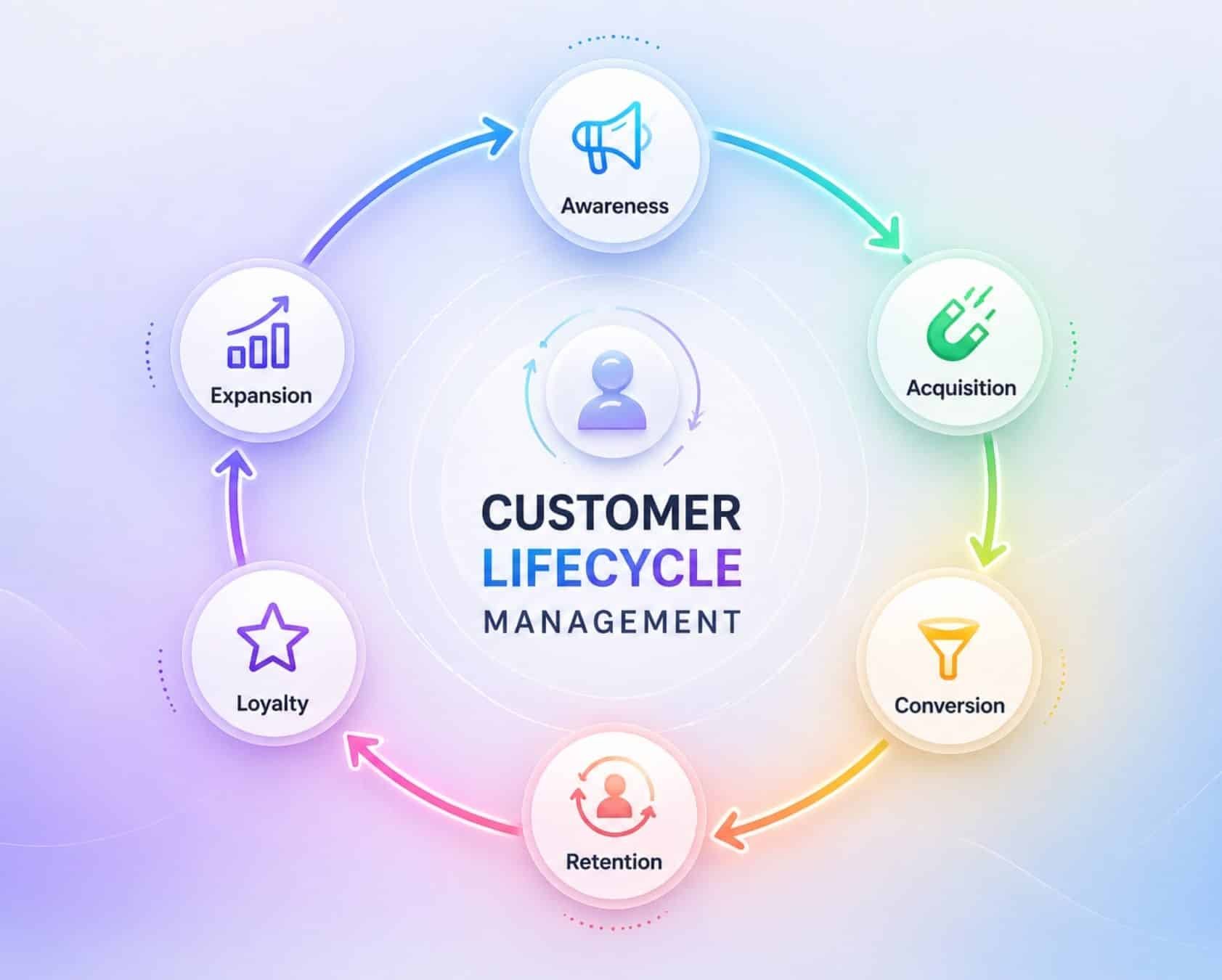
Unlike classic CRM tools that focus on leads and deals, as explained in many guides to modern CRM software for sales teams, client management platforms support the full client lifecycle. This includes onboarding new clients, scoping projects, managing ongoing collaboration, handling content approvals, and generating reports. The software tracks the relationship from the moment a client signs on through years of continued partnership.
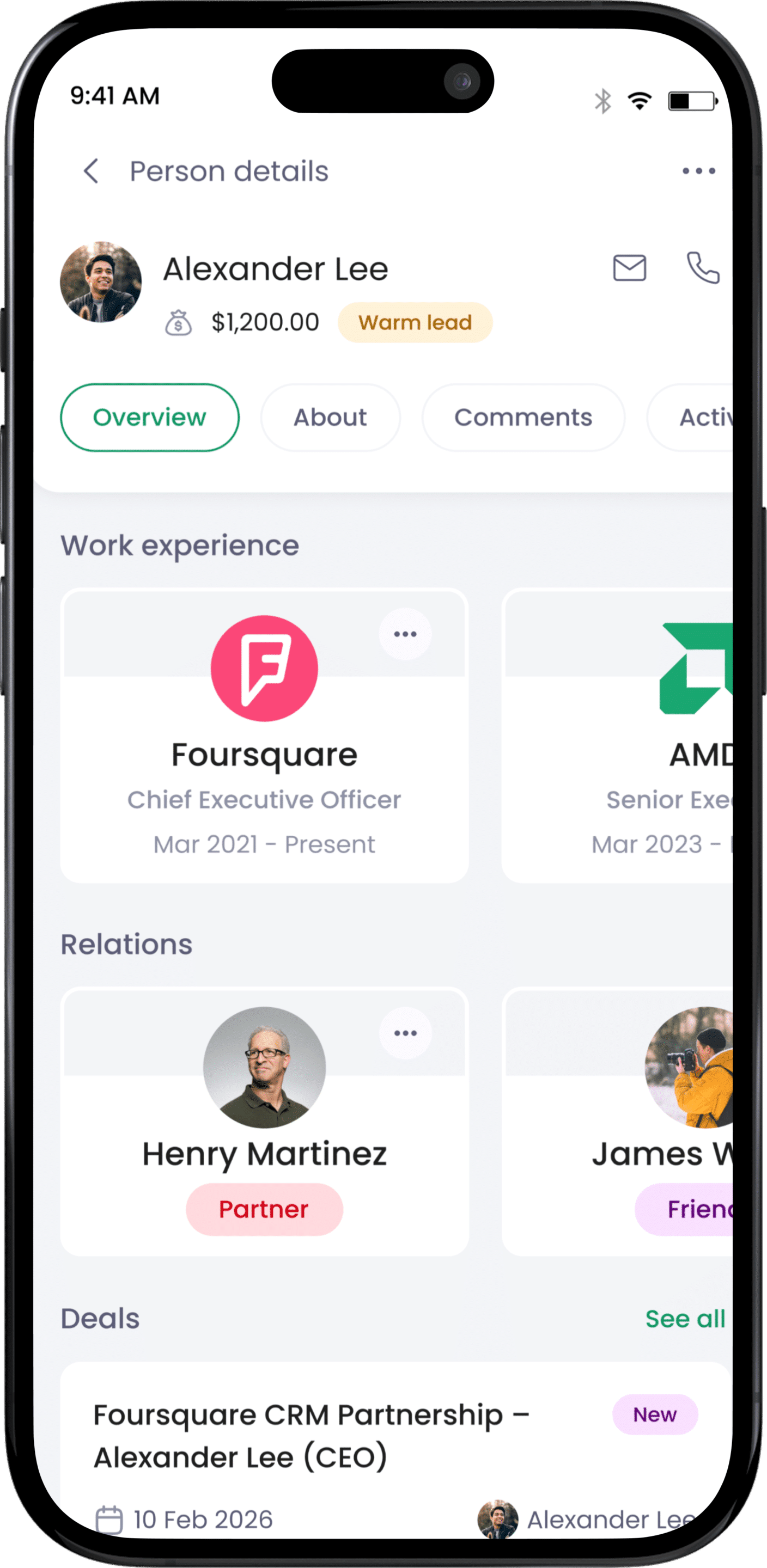
For marketing and creative agencies, this matters more than ever. Consider tracking a multi-channel campaign for a retail client across Instagram, TikTok, and email newsletters. Every edit, every stakeholder approval, and every publish schedule needs tracking without losing information in the shuffle. A solid client management system stores brand guidelines, key contacts, interaction history, active campaigns, and past approvals so your team has instant context during any conversation.
Client Management Software Versus Traditional CRM
Understanding the difference between client management software and traditional CRM helps you build the right tech stack for your team. Both serve important purposes, but they solve different problems.
What Traditional CRM Systems Do Best
Traditional CRM software like Salesforce or HubSpot excels at prospecting. These platforms track leads through sales pipelines with stages like lead qualification, opportunity development, and deal closure. Sales teams use them to forecast revenue, score leads using AI, and automate quotes. If your goal is winning new business, CRM tools deliver.
Where Client Management Takes Over
Client management software shifts focus to active client operations. Instead of tracking sales stages, these platforms center on campaigns, content assets, deliverables, and project milestones. They handle the work that happens after a deal closes. This includes managing client interactions, content approvals, scheduling, and ongoing reporting.
A Real World Scenario
Picture this: Your sales team uses a CRM to win a new retail brand as a customer. They track the opportunity through the pipeline, send proposals, and close the deal. Once the contract is signed, the account management team takes over. They need a workspace for content approvals, social scheduling, performance reports, and feedback threads. This is where client management software steps in.
Why Many Teams Use Both
Research shows 62% of agencies report using hybrid setups with both CRM and client management tools. This combination yields 35% higher client retention compared to using sales-focused CRM alone. The CRM handles current and potential clients during the sales process, while client management supports delivery teams working with existing accounts.
Choosing The Right Mix
The key is matching tools to workflows. Sales teams need lead management and pipeline visualization, often supported by specialized B2B sales CRM systems for revenue teams. Account managers and creatives need collaboration workspaces built for delivery, not selling. Strong client management software complements your CRM rather than replacing it. Many platforms now offer seamless integration between the two, ensuring client data flows smoothly from sales to delivery without manual data entry.
Key Features Modern Client Management Platforms Should Offer
Not every team needs an enterprise suite packed with hundreds of features. However, certain capabilities prove essential for marketing and creative workflows. Here are the key features worth checking during any trial or demo.
Centralized Client Profiles
The foundation of any client management platform is a unified view of each client, similar in spirit to centralized contact management for growing teams. This includes brand guidelines, key contacts, active campaigns, historical approvals, and communication history. When a team member opens a client profile, they should see everything they need without switching between tabs or searching through emails, just as in systems designed to manage contacts better and build stronger relationships. This 360-degree view saves time and prevents embarrassing mistakes.
Task Management And Assignments
Every campaign involves dozens of individual tasks spread across team members, much like a sales pipeline where teams aim to get more from their CRM with a simpler workflow. The best client management software includes task management features with clear ownership, due dates, and status tracking. Task assignments replace long email threads where responsibilities get lost. Visual boards help teams see who handles each step and where bottlenecks form.
Content And Asset Management
Marketing teams produce enormous amounts of content. Your platform should store creatives, captions, briefs, and supporting files alongside their approval status and scheduled publish dates. Version control prevents confusion about which file is current, and mirrors how dynamic contact management for smarter relationship tracking keeps data accurate across fast-moving teams. Look for tools that integrate with Google Drive, Dropbox, or other file storage so you avoid duplicate data entry across systems.
Approval Workflows With Clear States
Content approvals often become the biggest bottleneck in client work. Modern platforms offer workflow automation with clear states like draft, in review, approved, and needs changes. Automatic reminders ensure stakeholders review work on time. Consider routing a TikTok concept through internal review, then to the brand manager, legal reviewer, and regional lead. This entire process happens in-platform with documented decisions.
Collaboration And Communication Tools
Integrated communication tools reduce the chaos of scattered feedback, similar to how CRM with email integration streamlines communication for sales and marketing teams. Threaded comments attached to specific content pieces keep conversations contextual. Shared calendars sync deadlines across team members. Some platforms include built-in chat and video calls. Research shows these features reduce miscommunications by 45% compared to email-only workflows.
Integrations With Everyday Tools
No platform works in isolation, so tips for choosing CRM tools that fit your workflow also apply when assessing how client management software will sit in your broader stack. Your client management tool needs integration capabilities with the software your team already uses. This includes social media platforms for publishing, communication tools like Slack, file storage like Google Workspace, and potentially your existing CRM. The goal is a hub where work flows smoothly without copying data between systems.
Benefits Of Client Management Software For Marketing And Creative Teams
Adopting dedicated client management software transforms how teams operate. The benefits extend beyond simple organization into measurable improvements in delivery and client satisfaction.
Reduced Chaos And Fewer Missed Deadlines
Marketing teams juggle dozens of deliverables every week across multiple clients. Better visibility into campaigns through unified dashboards reduces missed deadlines by up to 40%. When everyone sees what is due, what is blocked, and who needs to respond, projects move forward without constant check-ins.
Consistent Messaging Across Teams
Without a centralized system, designers, copywriters, and account managers often work from different versions of client information. This leads to inconsistent messaging and duplicated effort. Client management platforms reduce this inconsistency by 55% because everyone references the same source of truth. Brand guidelines, tone preferences, and past feedback stay accessible.
Centralized Feedback And Decision History
When multiple client stakeholders provide feedback through different channels, conflicts arise. Someone approves a concept while another requests changes. A strong client management software solution captures all comments in threaded discussions attached to specific content. This preserves a clear decision history and avoids the “I thought we agreed on this” conversations.
Stronger Client Relationships
Client relationships strengthen through faster response times and predictable delivery. Automation features trigger reminders so follow-ups happen within 24 hours. Transparent timelines let clients see project progress without requesting updates. Data shows teams using these tools achieve 28% higher client satisfaction scores and 22% better retention rates.
Faster Team Onboarding
New team members ramp up quickly when projects follow consistent templates and processes. Instead of weeks learning how each client works, new hires reference documented workflows and historical context. Case studies show onboarding drops from several weeks to under seven days with properly implemented client management processes.
Better Forecasting And Performance Insights
Pipeline analytics help teams predict capacity and identify which clients and channels perform best, much like a contact management CRM for growing businesses surfaces trends across many accounts. This informs business decisions about where to focus resources. Agencies report handling 50+ clients and scaling output by 3x without adding headcount when their client management tool provides clear workload visibility.
How To Choose Client Management Software That Fits Your Team
Selecting the right client management software requires thinking beyond feature checklists, just as when you’re choosing CRM tools that fit your workflow. Start with your current workflows, then evaluate how different platforms support those specific needs.
Map Your Current Workflows First
Before evaluating any tool, document how your team works today. Note your team size, monthly content volume, number of client stakeholders involved in typical projects, and the steps from intake to publish. This map becomes your evaluation criteria. A platform that works for a 5-person team handling 50 content pieces monthly differs from one suited for 50-person teams producing 500 pieces.
Evaluate Ease Of Onboarding
Consider how long migration will take. Moving active projects from email threads, spreadsheets, or shared drives should happen in days, not weeks. Look for import tools and template libraries that accelerate setup. The best platforms offer migration support and clear documentation for getting started quickly.
Check Pricing Transparency
Pricing for client management software solutions averages $15-50 per user monthly for mid-tier options. Some platforms charge by seats, others by workspaces or client counts. Understand the pricing model so you budget accurately as you add more clients in 2026, especially if you also rely on CRM tools that help startups grow smarter alongside your client management stack. Hidden costs for integrations or advanced features cause problems down the road.
Run A Time Boxed Pilot
Never commit to annual contracts without testing. Run a 14 to 30 day trial with one or two real client accounts, similar to how startups might pilot a CRM for startups and small sales teams before wider rollout. Test everyday tasks like content creation, feedback collection, and approval routing. Also test how the platform handles emergencies, like a last-minute client request or a campaign pivot. Research shows 80% of platform mismatches reveal themselves during pilot phases.
Verify Security And Permissions
Security features matter more than ever in 2026. Look for data encryption, role-based access controls, activity logs, and single sign-on options. Teams handling regulated industries or global brands need regional data hosting and compliance documentation. Ask vendors directly about their security practices before signing.
Consider Future Scalability
The simple client management software that works for your current setup may not scale as you grow. Evaluate whether the platform supports your trajectory. Can you add client portals for direct client access? Does it handle enterprise level companies as clients? Think 18 months ahead when making your decision.
Top Client Management Software Types For 2026
The market now includes several distinct categories of client management platforms. Understanding these categories helps you narrow your search before diving into specific vendor comparisons.
Generalist Business Platforms
These flexible tools offer customizable databases and workflows that suit many industries. They provide broad functionality for project management, task tracking, and collaboration. However, they require more configuration to match specific creative and marketing processes. Teams need to build their own workflows rather than using pre-built templates.
Agency Focused Tools
Platforms designed specifically for agencies embed campaign calendars, dedicated client workspaces, and built-in approval paths tailored for social media and content marketing. These tools understand the rhythms of agency work, from client onboarding through ongoing retainer relationships. Setup time drops significantly because the platform already speaks your language.
In House Marketing Suites
Large brands with internal marketing teams often prefer tools that integrate cleanly with design applications, file storage, and advertising platforms. These suites coordinate many internal stakeholders across departments. They may include social media management, marketing automation, and analytics alongside client management features.
Content Collaboration Platforms
Some tools focus specifically on content creation and approval workflows. They excel at managing the review cycle from draft through publication. Features like visual feedback on designs, version comparison, and stakeholder approval tracking make them popular with creative teams producing high volumes of visual content.
A Practical Example
Consider an agency managing content for a global product launch in Q4 2026. An agency-focused platform lets them create a dedicated workspace for the client, set up approval workflows for each regional market, track all content pieces on a unified calendar, and ensure nothing slips through the cracks. The platform handles 30% faster approvals compared to general purpose tools because it was built for exactly this use case.
Making Your Selection
Match the platform category to your primary use case. If you manage tasks across diverse business functions, a generalist platform with customization options may work. If client content and approvals drive your daily work, look at agency-focused or content collaboration tools. The best client management app for your team depends on your specific workflow patterns.
Implementation Roadmap From Trial To Everyday Use
Purchasing software is easy. Getting your team to adopt it takes planning. Follow this roadmap to move from trial to productive daily use without the frustration of failed rollouts.
Start With A Small Pilot
Begin with one account team and a single client. Test core workflows like intake, content review, and reporting over two to four weeks. Track time savings and pain points. A focused pilot reveals whether the platform fits before you commit the entire organization. Teams report 25% time savings even in pilot phases when they choose the right tool.
Use the pilot to evaluate how contact management improves customer interactions and helps teams manage client relationships with more clarity, in the same way an all-in-one CRM to grow your sales and team centralizes data and follow-ups. A strong customer relationship management setup, combined with project management software, reduces repetitive tasks through an intuitive interface that simplifies project tracking. Even small businesses can explore ai powered client management to track client progress, improve client collaboration, and organize client documents inside a user-friendly platform, especially when paired with smart CRM tools for sales teams. Insights from data analytics support informed business decisions and create a foundation for business growth.
Prepare Templates Before Rollout
Consistency matters when scaling. Create templates for briefs, campaign calendars, and approval steps before inviting the full team. These templates ensure new projects feel familiar from day one. They also encode your best practices, so every team member follows the same process.
Templates turn your workflow into an all-in-one solution where businesses manage tasks, customer engagement, and delivery without confusion, similar to how a streamlined CRM setup can close deals faster with Gain.io. They standardize how teams manage projects, track progress, and respond to client behavior with consistency. Prebuilt structures reduce repetitive tasks and allow teams to execute workflows in just a few clicks. With better organization and integration capabilities, templates support a comprehensive solution that grows with your operations.
Run Focused Training Sessions
Generic feature tours bore people and waste time. Instead, walk through real campaigns your team will handle. Show how to create a client brief, route content for approval, and track progress on deliverables. One hour of targeted training beats three hours of feature overviews. Provide quick reference guides for busy stakeholders who need reminders.
Training sessions should focus on real customer interactions and practical workflows like managing client documents and improving client collaboration. A user-friendly platform with an intuitive interface helps teams adopt project tracking quickly while reducing friction. With ai powered client management, teams gain visibility into client behavior and can track client progress more effectively. This hands-on approach improves customer engagement and ensures faster adoption across teams.
Define Measurable Success Indicators
Before launching broadly, define what success looks like. Choose two or three metrics that matter, such as reduction in review time, percentage of deadlines met, or decrease in client follow-up emails. Track these from day one so you can demonstrate value and identify areas needing adjustment.
Clear metrics help businesses manage performance and align efforts with business growth goals, which is even more important as future CRM technology trends and tools make data richer and more real-time. Data analytics reveals trends in customer interactions, customer engagement, and overall efficiency. Teams can measure how well they manage projects, track progress, and reduce repetitive tasks across workflows. These insights lead to informed business decisions and validate whether your system delivers a comprehensive solution, while also preparing you for top CRM trends in 2026 that will shape client expectations.
Gather Feedback And Iterate
After the first month, collect feedback from both internal teams and client contacts. What works well? What feels clunky? Use this input to refine workflows rather than trying to perfect everything before launch. Software adoption improves through iteration, not perfection.
Feedback loops uncover patterns in client behavior and highlight opportunities to improve client collaboration and customer interactions, just as CRM systems help sales teams manage leads more intelligently over time. Teams can refine contact management processes, enhance how they manage client relationships, and improve how they track client progress by borrowing practices from centralized contact management for growing teams. Continuous improvement ensures the platform evolves into an all in one solution that supports long term business growth and better customer engagement.
Avoid Perfectionism
The biggest implementation killer is waiting until everything is perfect. Accept that initial workflows will evolve. The goal is getting teams using the platform for real work as quickly as possible. Refinement happens through daily use, not extended planning phases.
A flexible system allows businesses manage workflows without delays while still improving over time, much like CRM tools that help retail teams stay organized do in fast-moving environments. Teams can manage projects, accept online payments, and handle client documents without waiting for perfection, echoing how CRM tools that help real estate agents save time prioritize speed and organization. With automation features and a user-friendly platform, repetitive tasks decrease and execution becomes faster in just a few clicks. This mindset ensures steady adoption and builds a scalable, comprehensive solution that adapts as your needs grow.
How Gain.io Helps Teams Manage Clients And Content At Scale
Gain.io serves as a client management platform built specifically for marketing, social media, and creative teams. Rather than adapting a generic tool to your workflows, Gain.io understands how agencies and marketing departments operate from day one.
Dedicated Client Workspaces
Each client gets their own workspace where teams organize briefs, content assets, and campaigns with clear version history and ownership. No more hunting through shared folders wondering which file is current. Everything related to a specific client lives in one organized location.
Built-In Approval Workflows
Gain.io routes posts and designs to internal reviewers and external client stakeholders through automated workflows. Every comment and decision gets captured in one place. Teams track what is approved, what needs changes, and who is responsible for the next action. This eliminates the endless email chains asking “did they approve this yet?”
Connected Planning And Publishing
Planning calendars link directly to content libraries and approval steps. Teams see exactly what is scheduled, what remains blocked, and who needs to respond. This visibility prevents last-minute scrambles and keeps campaigns on track for their publish dates.
Seamless Integration With Marketing Tools
Gain.io connects with the social networks and file storage tools marketers already use. Publishing and collaboration happen from a single, centralized hub. This reduces context switching and ensures content moves smoothly from creation through publication.
Reducing Manual Follow Ups
The platform automates routine tasks like reminder notifications and status updates. Teams spend less time chasing approvals and more time creating great work. When you invite clients into their workspace, they gain visibility into project status without constant email requests.
Built For Scaling Your Client Base
Whether you manage three clients or thirty, Gain.io provides a scalable process for handling growth, just as highlighted when you compare Gain.io vs Salesforce CRM for different team sizes. The platform grows with your team, supporting everything from freelancers to larger agencies managing enterprise level companies.
Ready to see how Gain.io fits your workflow? Start a free trial and migrate one client account to experience the difference centralized client management makes.
Frequently Asked Questions
Is Client Management Software Only Useful For Large Agencies?
Small teams and freelancers benefit significantly from client management tools. Even with just three or four clients, a centralized workspace prevents missed messages and keeps projects organized. A two-person social media studio handling content calendars and approvals for a few growing brands gains clarity and reduces stress by moving away from email and spreadsheet chaos.
How Long Does It Take To See Value After Adopting A New Platform?
Many teams notice fewer missed deadlines and smoother approvals within the first month. The key is migrating at least one active campaign into the new system immediately rather than waiting for a perfect setup. Define one or two clear goals like reducing review cycles or consolidating feedback so early wins become measurable and visible.
Can Client Management Software Replace Email For Client Communication?
Most teams still use email for certain conversations, particularly high-level check-ins or formal summaries. However, structured feedback, approvals, and asset sharing work better inside a dedicated platform. Use the software for comments, version control, and status updates. Reserve email for communications that benefit from formality or exist outside project-specific contexts.
What Security Features Should I Look For When Evaluating A Platform?
Essential security features include data encryption at rest and in transit, role-based access controls, detailed activity logs, and strong password policies or single sign-on options. Teams working with client assets and confidential campaigns need these protections. If you handle regulated industries or global brands, ask about regional data hosting and specific compliance certifications.
How Do We Move Existing Projects Out Of Spreadsheets And Shared Folders?
Start with current and upcoming campaigns rather than attempting to migrate every historical document at once. Use import tools or simple templates to bring in essential data like client names, campaign titles, deadlines, and current status. Attach files as work progresses rather than bulk uploading archives. This approach gets you productive quickly without overwhelming the team with migration tasks.